

GuidesYour PC
How to Update the WSL Kernel on your PC
It looks like you have experienced an error that will require you to re-install the WSL kernel on your machine. Follow these steps to resolve it.
-
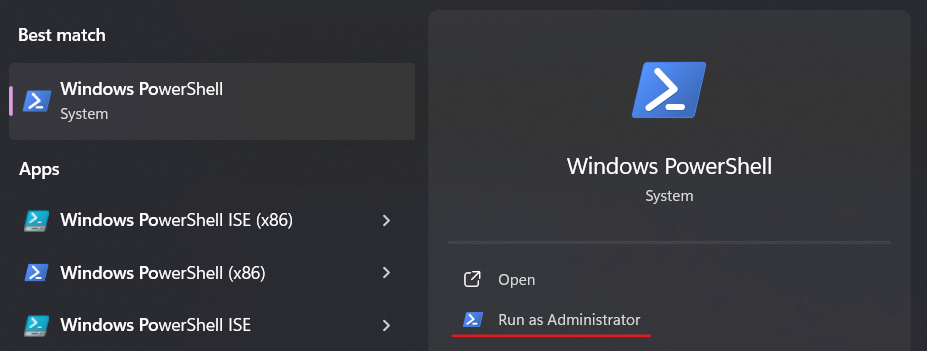
Open Powershell as an Administrator:
-
Click on the start menu and search for Windows Powershell or Command Prompt. Be sure to click Run as Administrator on the window.
-
-
Run the update command:
- Type
wsl --updateinto the open Powershell window and hit enter to update the WSL kernel.
- Type
Once WSL has been updated the Degraded notification should go away. If you continue to see the notification, take a screen shot, and reach out to Salad Support.
Edit on GitHub
Last updated on