

How to Make a Purchase
To redeem a reward on Salad, you just need to have the Salad balance needed, and search for your reward on the storefront.
-
Open your web browser and navigate to the Store page.
-
Search for the reward you're looking for by either scrolling through the Storefront or using the Search bar. Once you locate the reward you want, simply click it.
-
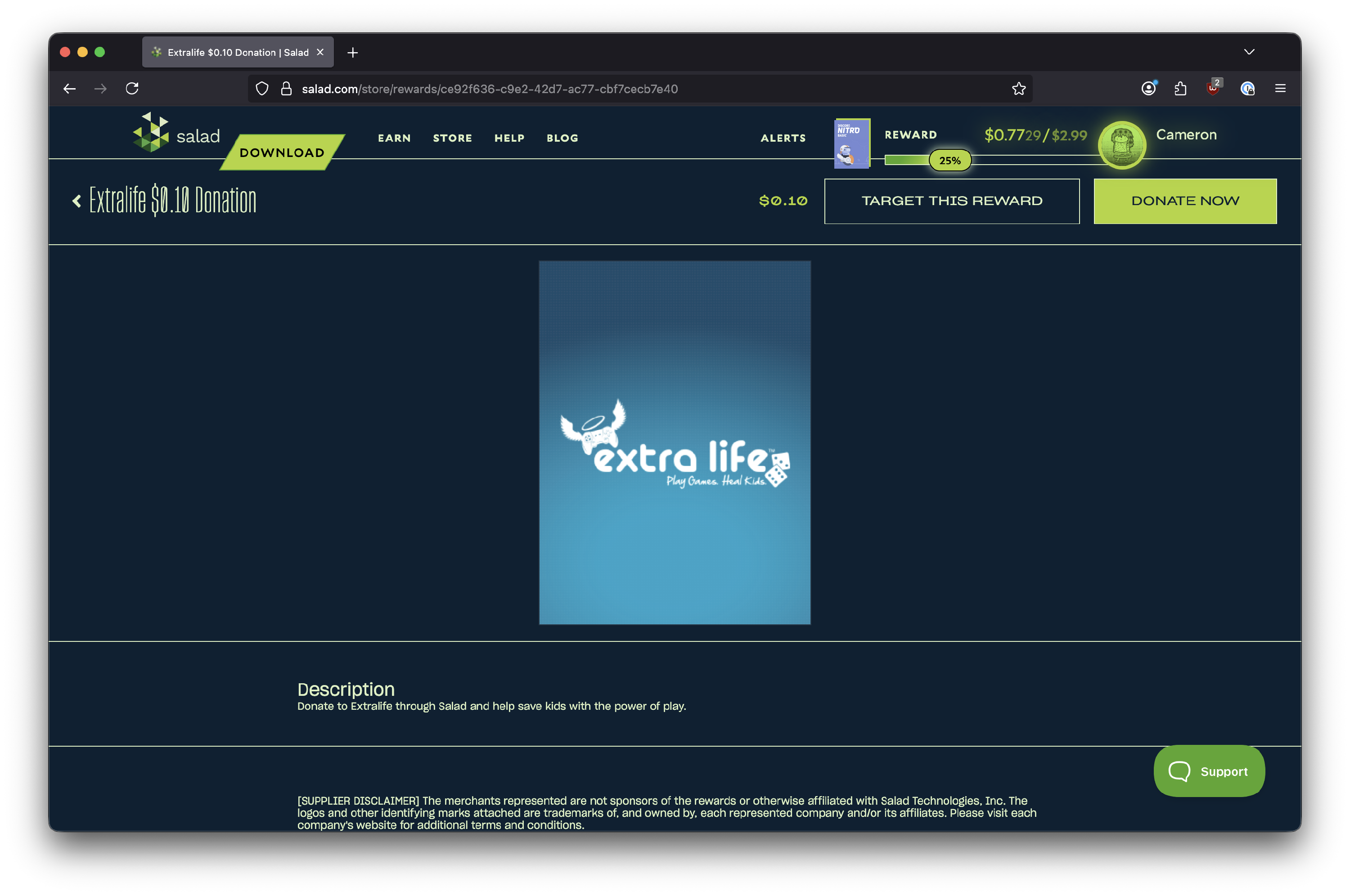
Now you should see the Reward page, where you'll find additional information about the item. You can find the "BUY NOW" button at the top right, If you wish to purchase a reward, select this.
- We recommend double checking the name of the reward, the product description to ensure you are purchasing the right item, and ensuring it's for your region.
-
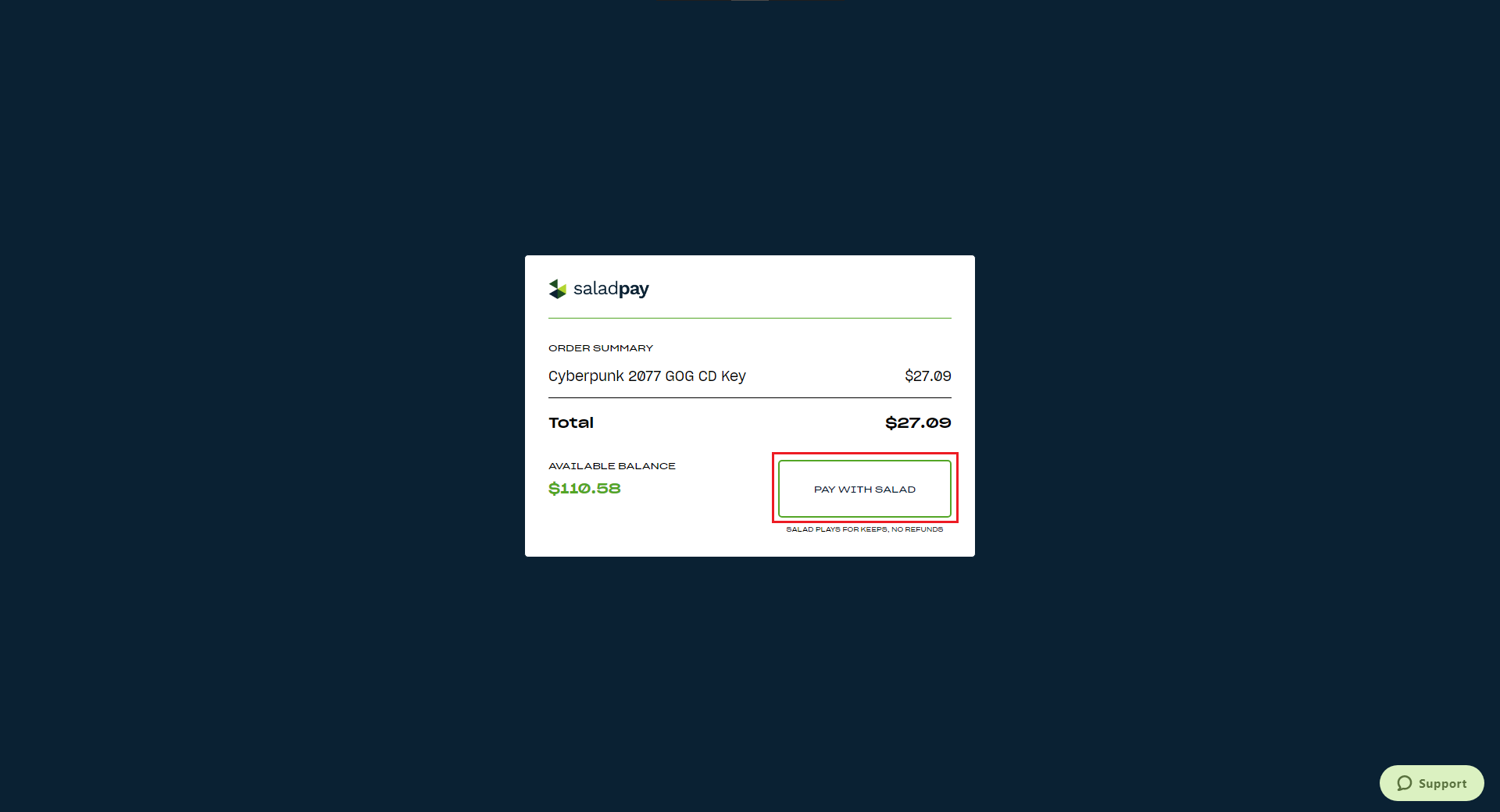
Now you should see the SaladPay transaction screen. Please note that Salad plays for keeps! We do not offer refunds on purchases, so please ensure that the information and reward is correct before selecting "Pay with Salad." Once you've verified everything, click away.
-
Once clicked, the transaction should process and then you'll see a notification at the bottom left appear verifying your purchase and prompting you to check the Reward Vault where you'll find your reward code, if applicable.
If you have an issue with your reward, or have any questions, please contact Salad Support.
Last updated on