

GuidesUsing Salad
How to Find your Salad Machine ID
Chefs with multiple PCs on their account are now able to breakdown earnings per machine. This feature can be toggled on or off on the Earning Summary Page. Chefs can list up to 20 machines on the histogram.
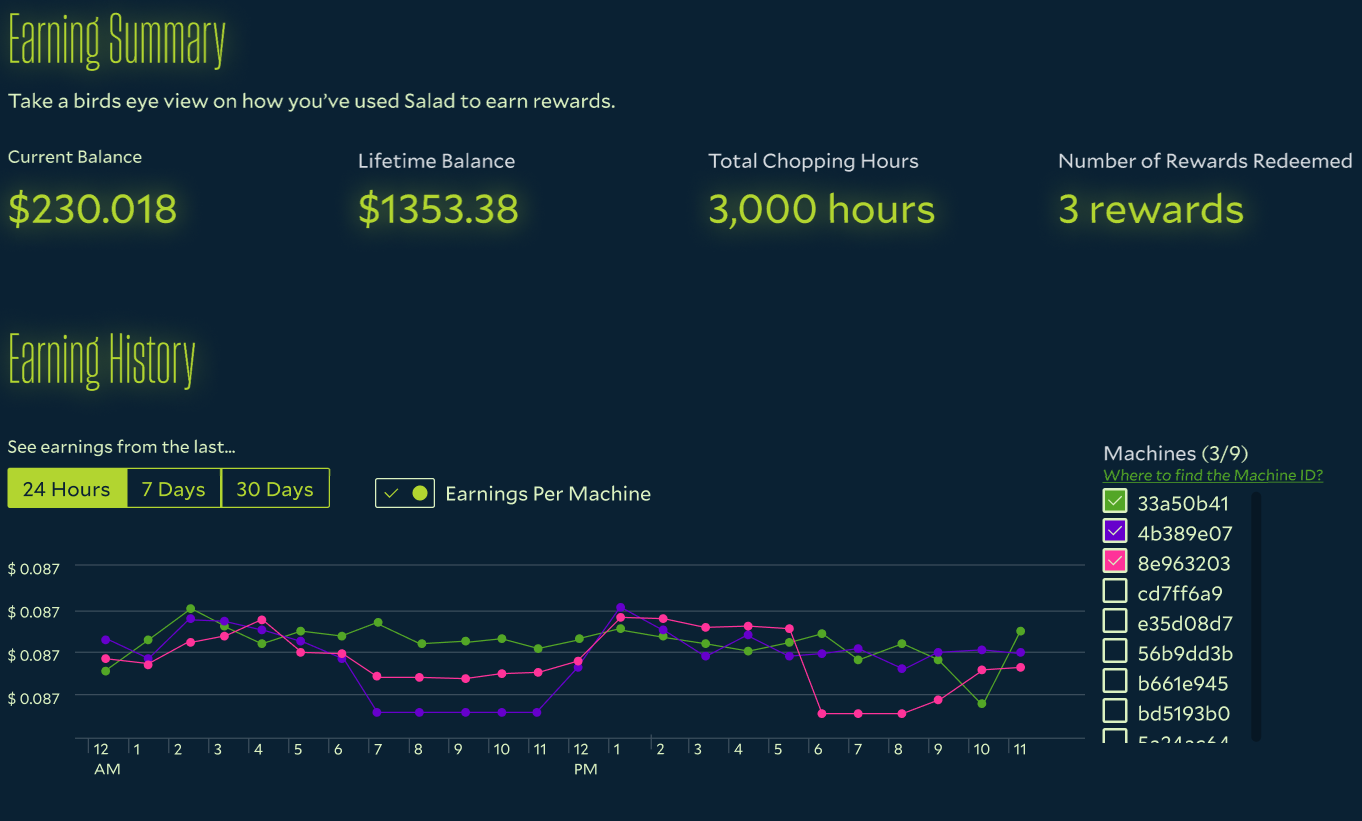
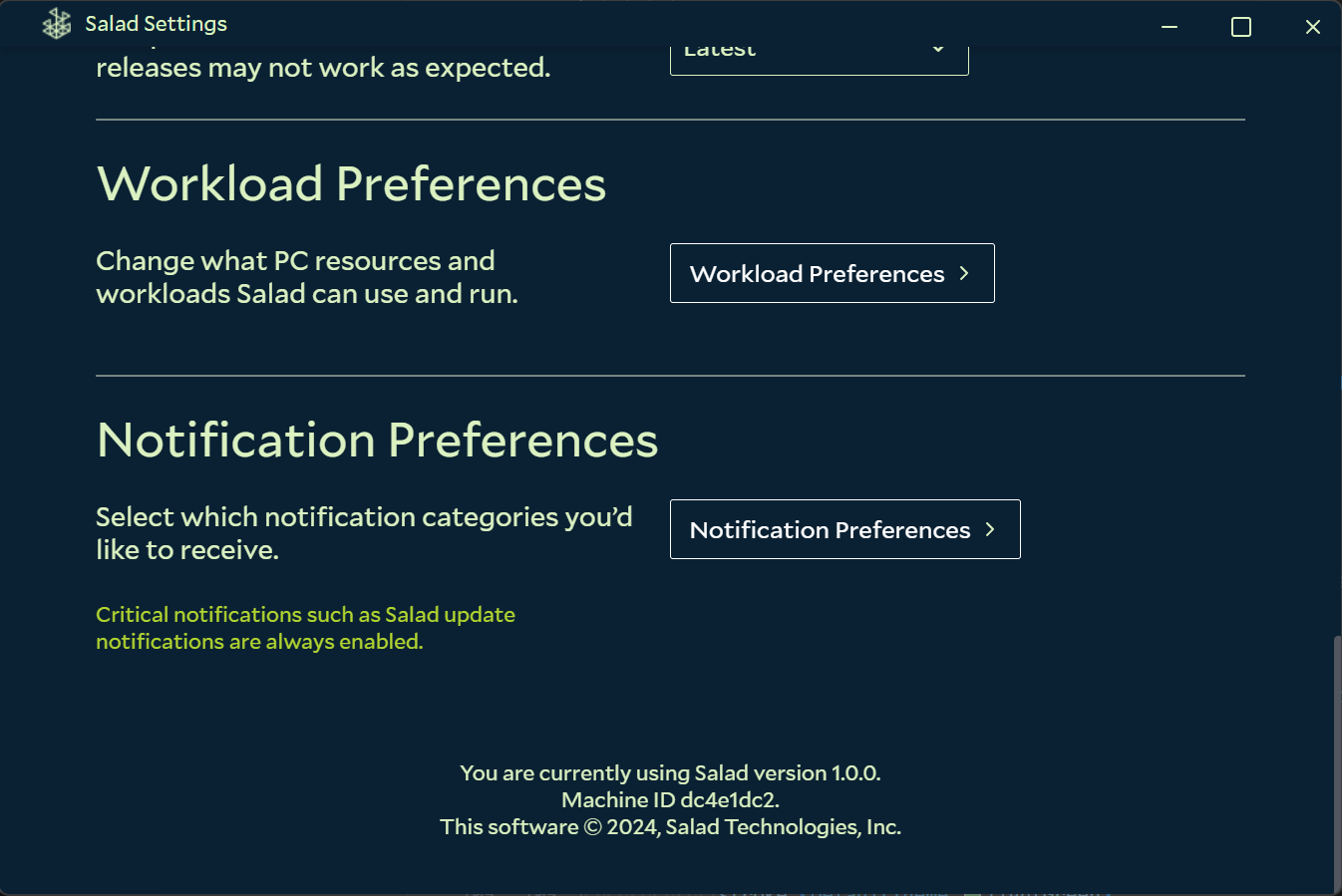
A Salad Machine ID is assigned to each machine registered to the Chef's account and can be located within the Salad app. To find the Machine ID, follow these steps.
- Open the Salad App.
- Click on the App menu on the upper left side of the Salad app and go to Settings.
- Scroll to the bottom of the Settings page, the machine ID is listed at the bottom of the page next to the current Salad version.
Chefs may find unknown Machine IDs listed. This can happen if one of the Chefs machines is on an older version of Salad or after hardware changes.
Edit on GitHub
Last updated on