

Chopping Power
Want to know if your machine is optimized to earn the most balance on Salad? Increase your Chopping Power!
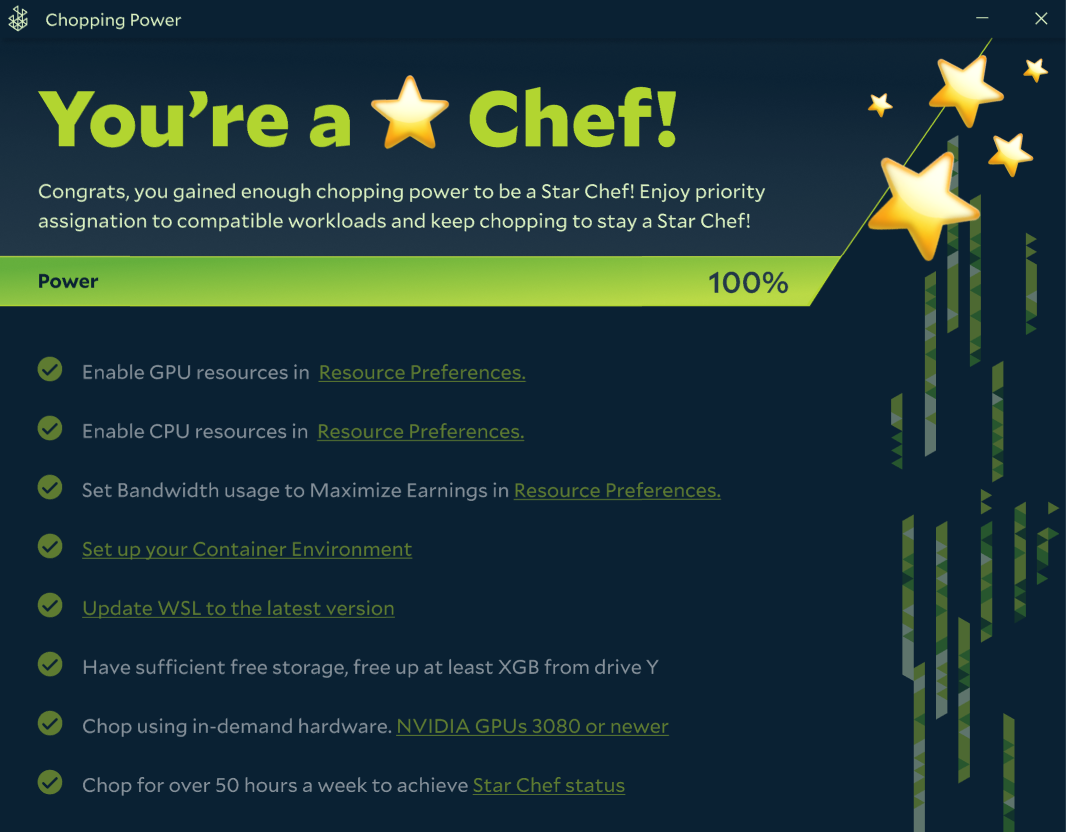
Chopping Power shows your earning efficiency on the Salad network. We determine Chopping Power based on what resources you make available to Salad. There are some tasks for you to complete, like enabling your GPU, and some conditions that increase you Chopping Power if they are met.

How does Salad Determine your Chopping Power?
The following requirements and conditions make up your total chopping power on the Salad network. Chefs are not obligated to meet all of the conditions to list in order to earn balance on Salad. Chopping Power is an indicator of how efficiently their machine earns balance, not a set of requirements.
Chefs should also note that they will see different options depending on what they have enabled during setup, or their machine settings and capabilities.
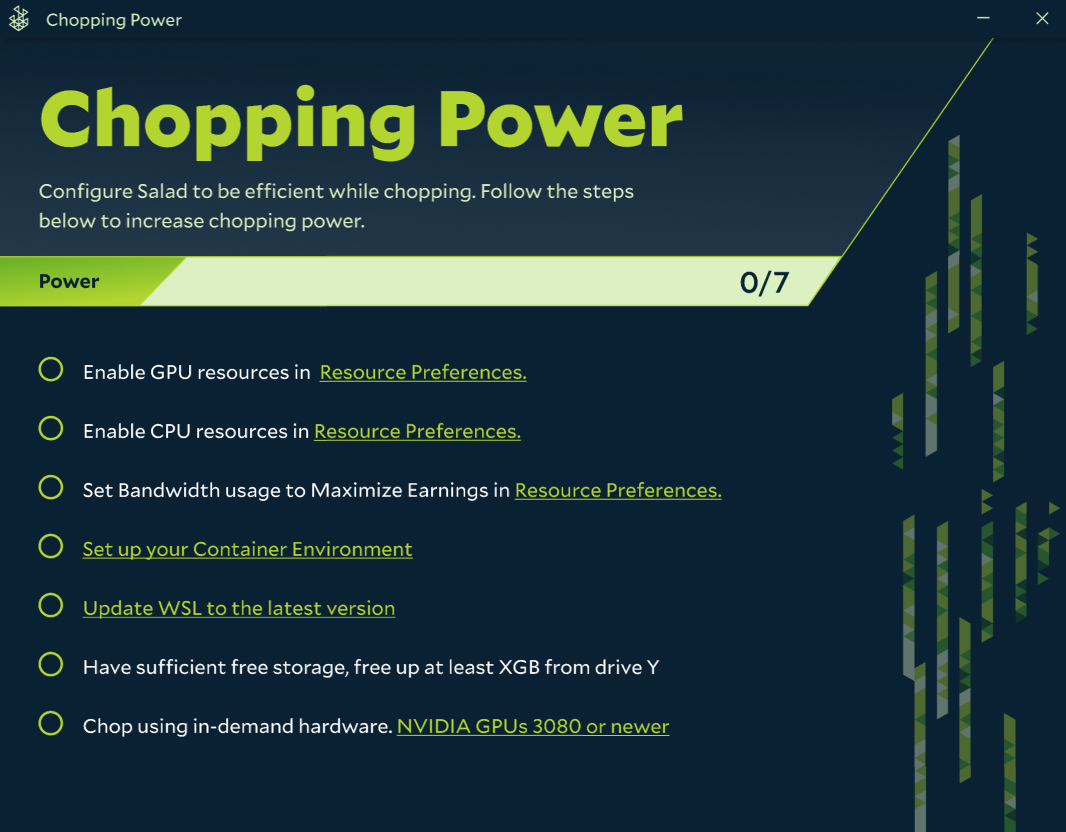
Enable GPU + CPU
Enable both CPU and GPU in Resource Preferences. Salad Jobs require both CPU and GPU to run.
Set Bandwidth Settings
One of the jobs available to chefs on the Salad network is Bandwidth sharing. Chefs can maximize their earnings by enabling sharing.
Become Job-Ready
Jobs on the Salad Network require WSL and Virtualization on the Chef's machine.
Update WSL (If Prompted)
Some chefs may need to update WSL on their machines. If so, Salad will walk you through the update as a Chopping Power condition.
Have Enough Free Storage
Some jobs require a minimum amount of storage free on your machine. We determined a minimum threshold that you should free-up. Doing so will give your machine more opportunities to work jobs.
Have In-Demand Hardware
NVIDIA GPUs with at least 12GB of VRAM.
Don't worry if you don't meet all Chopping Power conditions. The Chopping Power bar is a great way to see if you're machine is optimized to earn, but there are plenty of jobs available to chefs who don't have in-demand hardware or Bandwidth sharing available in their area.
Last updated on