

Salad logoSalad logo
Quickstart
How to Enable or Disable Auto LaunchHow to Make a PurchaseWhere to Find Your Reward Redemption CodeHow to See your Earnings HistoryHow to Uninstall SaladHow to Use the Earnings SummarySalad's Running StatesHow to Register and Log Into SaladHow to Log Out of the Salad Web AppHow to Edit Your ProfileHow to Claim a BonusHow to Update SaladHow To Find Your Salad Log FilesHow Estimated Earnings WorkWhere to Find your Salad LogsHow to Manually Start SaladUsing the Notifications PageHow to Enable and Disable HardwareHow to Disable Sleep ModeHow to Enable Elevated PermissionsChopping PowerBecoming a Star Chef: Qualifications and BenefitsSalad App SettingsHow to Find your Salad Machine IDSalad App PasskeysWhat is the Activity Indicator?How to Enable Auto-StartHow to Set Up a Demand AlertHow to View your Salad Achievements
Discord
GuidesUsing Salad

How to Log Out of the Salad Web App

You can log out of the Salad web application by following a few simple steps.

  1. Open your web browser, and head to https://salad.com/account/summary.

  2. Once you're there, locate the "Log Out" button at the bottom left and click it.
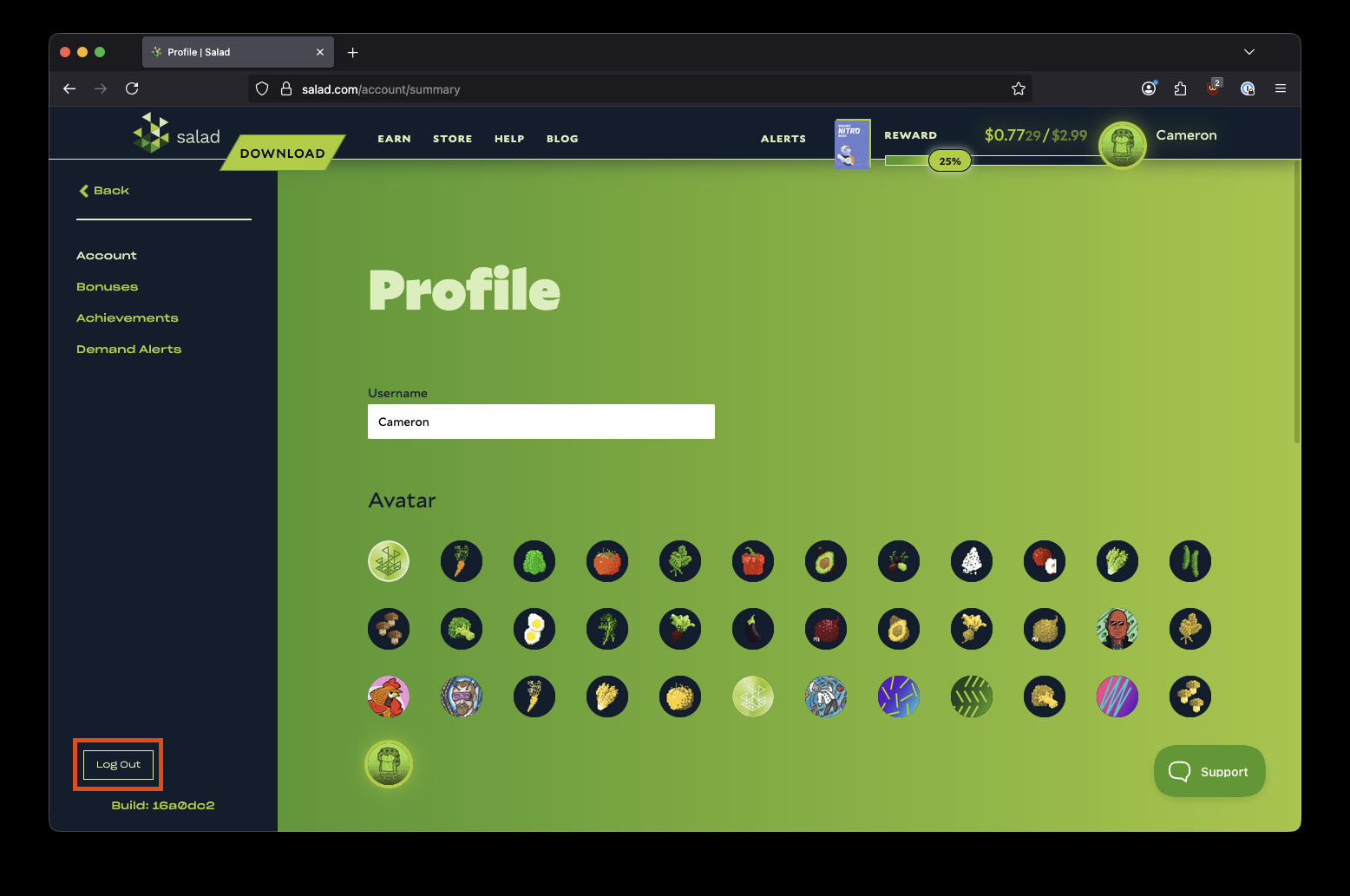
    Finding the log out button on the Salad website

Please note that using multiple accounts is a breach of our Terms of Service, and will result in your account(s) being banned from our services.

Edit on GitHub

Last updated on

How to Register and Log Into Salad

Previous Page

How to Edit Your Profile

Next Page