

Salad App Settings
Chop the way you want with the Salad app. Below is a breakdown of all the ways you can customize your Salad app and profit off of sharing your PC's resources with the Salad network. Share as much, or as little as you want.
To access your Salad settings, navigate to the top left corner of the app and click on your profile. then select Settings from the drop down.
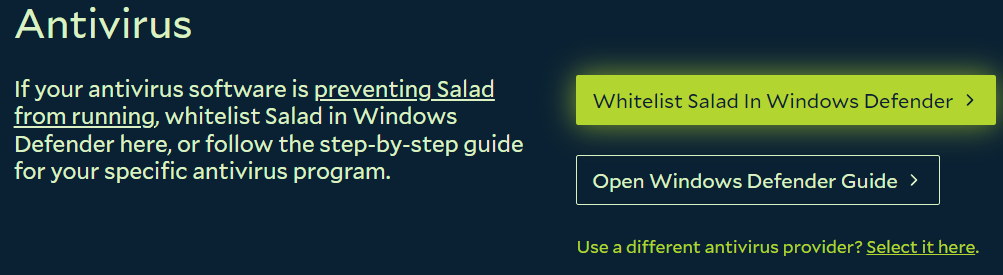
Anti-Virus
You should be able to successfully whitelist Salad in your anti-virus after onboarding with Salad. If you were unable to whitelist the the app at that time you can do so here.
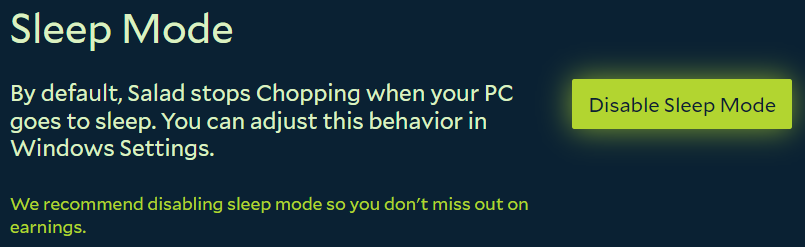
Sleep Mode
Salad will stop Chopping when your PC goes to sleep. If you want Salad to continue Chopping after it goes idle then disable Sleep Mode here.
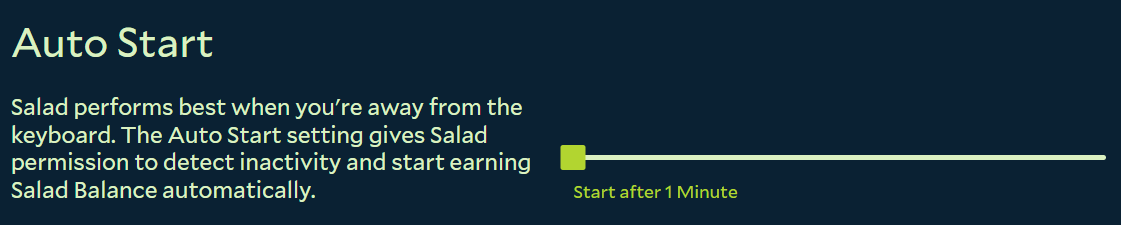
Auto Start
Salad detects when your machine goes idle and will start Chopping automatically. Set how long you want Salad to delay Chopping once an idle state has been detected.
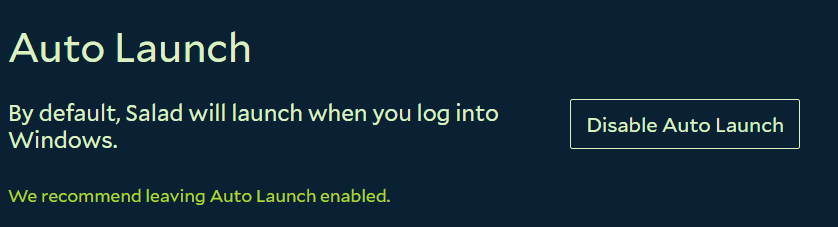
Auto Launch
Salad will launch by default when you log into Windows. Disable or enable Auto Launch for your machine here.
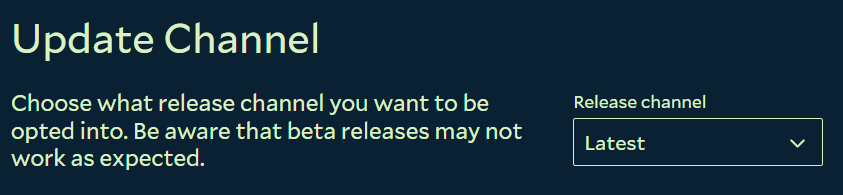
Update Channel
Choose whether or not you want to Chop with the latest stable version of Salad, or participate in Beta versions as they become available.
Dive deeper into your Salad experience by customizing when you receive notifications and which jobs you choose to allow on your machine.
Workload Preferences

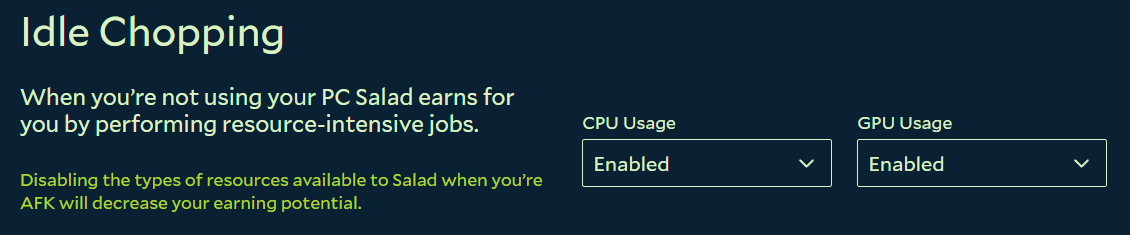
Idle Chopping
Disable or enable your CPU and GPU.
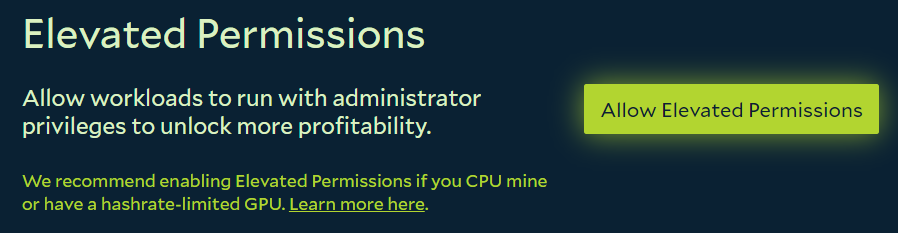
Elevated Permissions
Unlock more Salad balance for some machines by enabling Elevated Permissions.
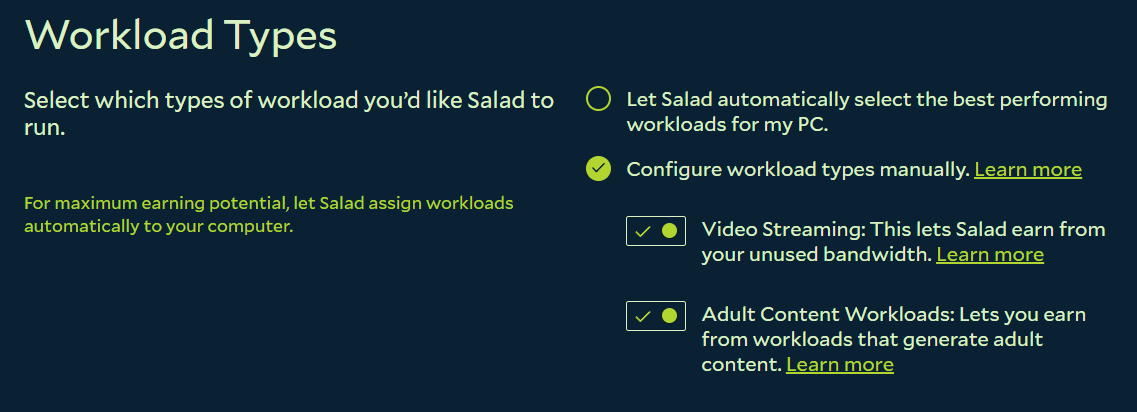
Job Types
Allow Salad to select the most profitable jobs for your machine, or manually opt out of job types.
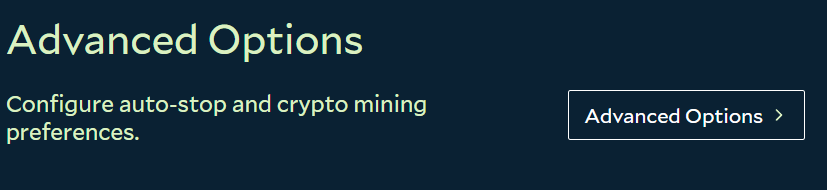
Advanced Options
Go beyond resource management in Advanced Options.
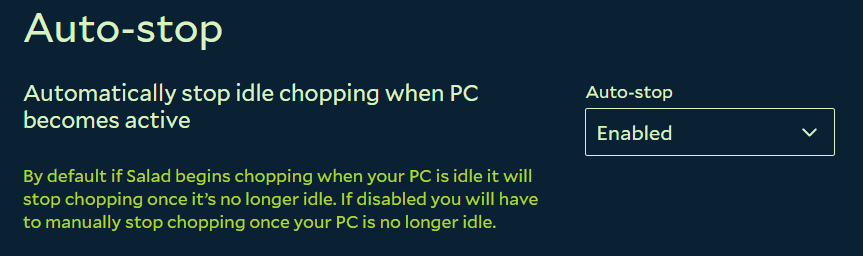
Auto-Stop
Bypass your PCs idle-state to continue Chopping after activity is detected on your machine.
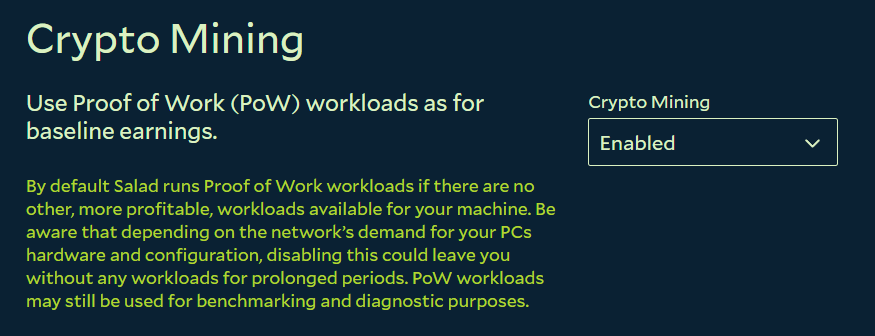
Crypto Mining
Accept or reject PoW jobs for your machine.
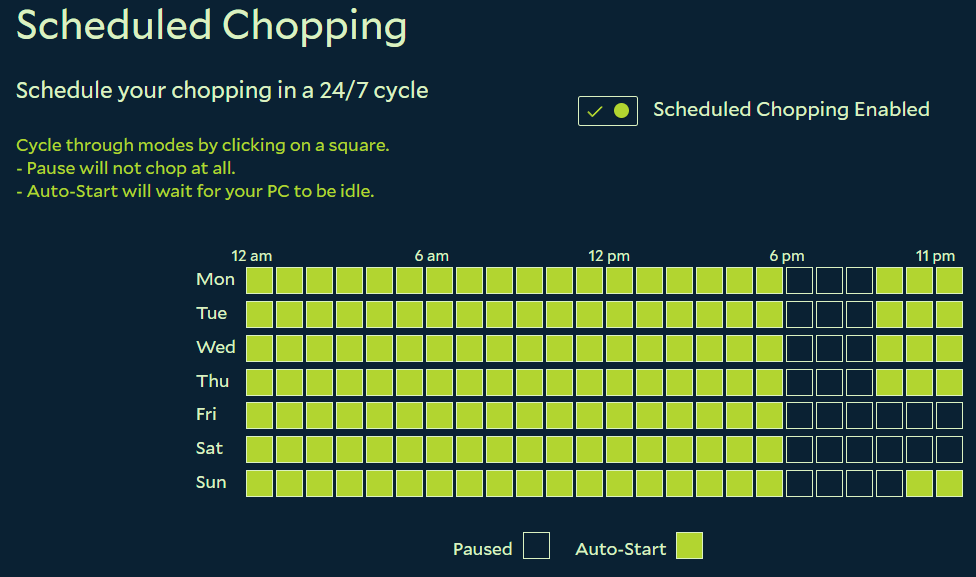
Scheduled Chopping
Schedule your Chopping in advance for the week.
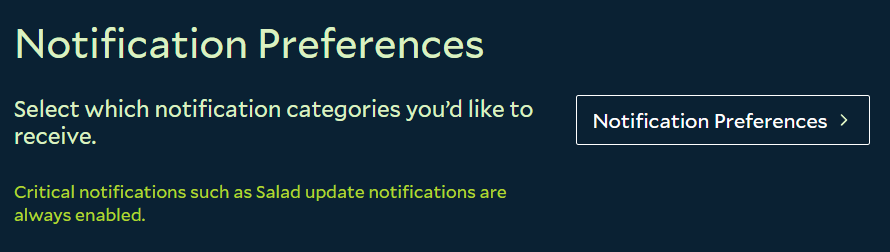
Notification Preferences
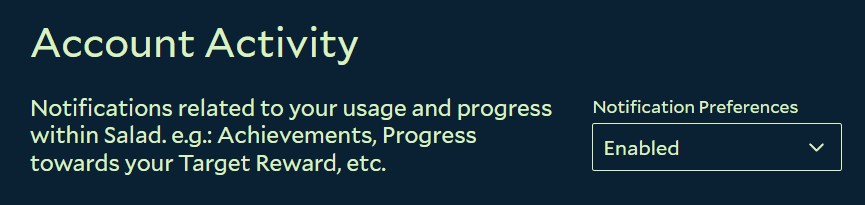
Account Activity
Account related achievements like Chopping Power and Target Rewards.
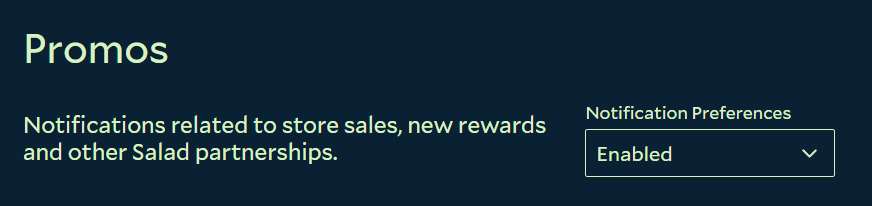
Promos
Salad store sales, new rewards and other Salad partnerships.
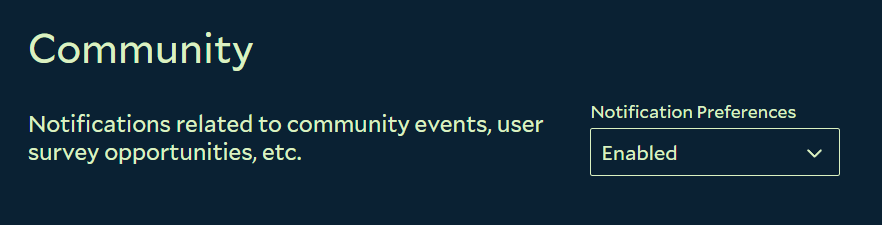
Community
Surveys, support outreach and community events.
Last updated on