

How to Whitelist Salad in Malwarebytes
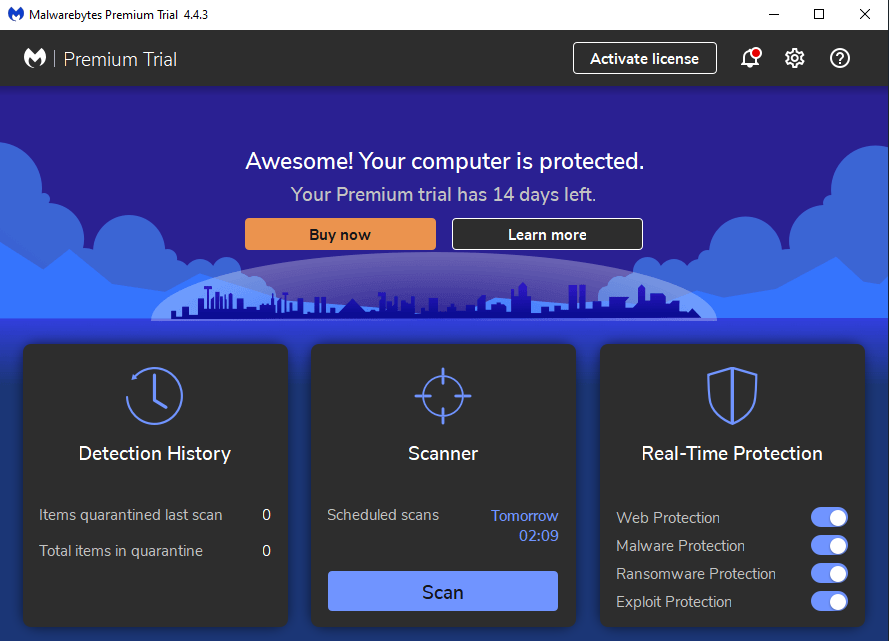
1. Open Malwarebytes
This will be the main screen you are presented within Malwarebytes, and is your base of virus-fighting operations.
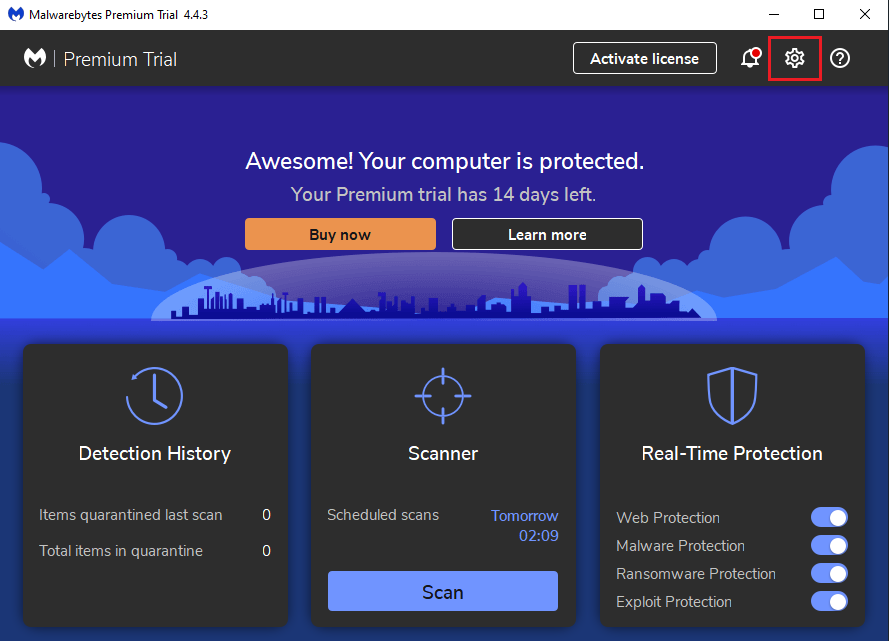
2. Navigate to Settings
Click the settings icon at the top right,
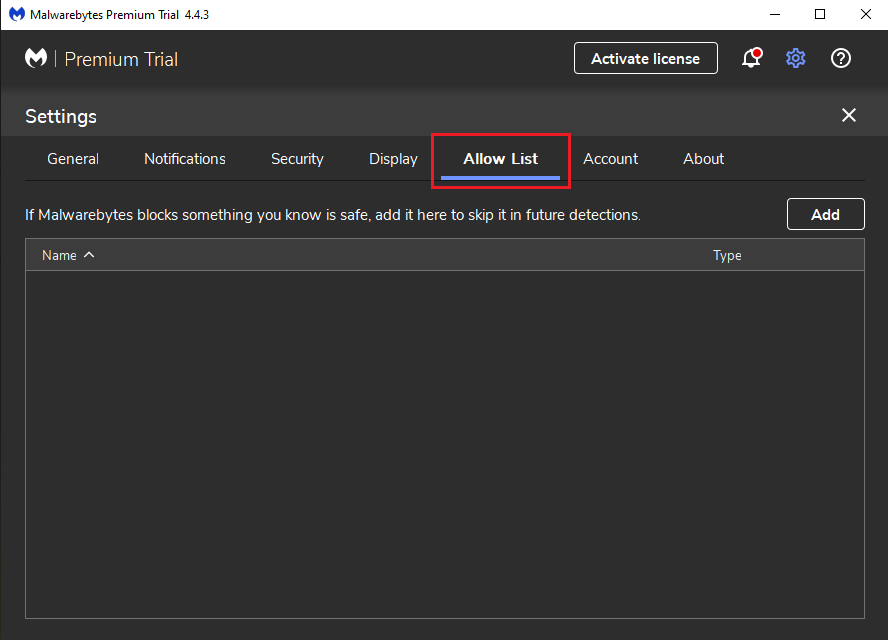
3. Select Allow List
Click the Allow List from the option row at the top.
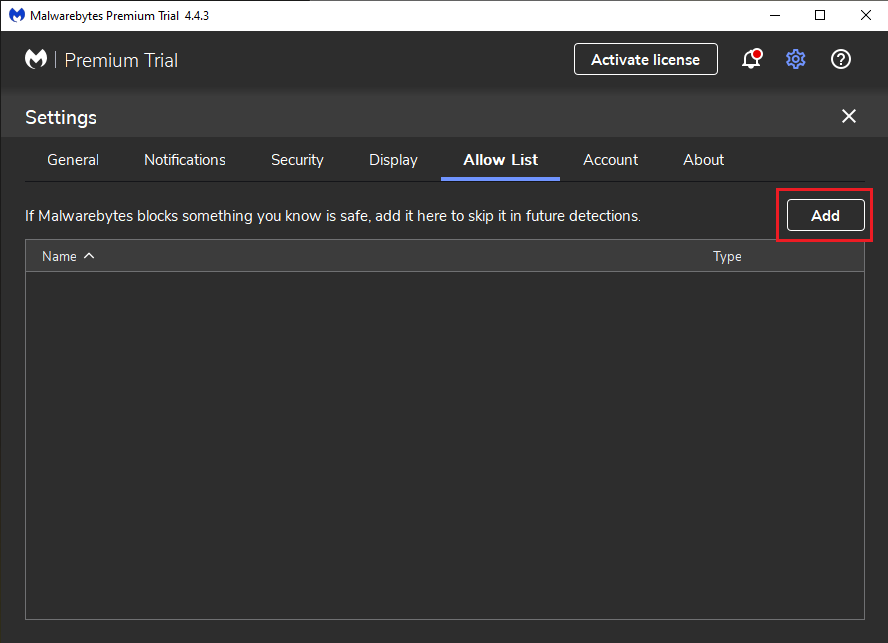
4. Click "Add"
Click the "Add" button on the right.
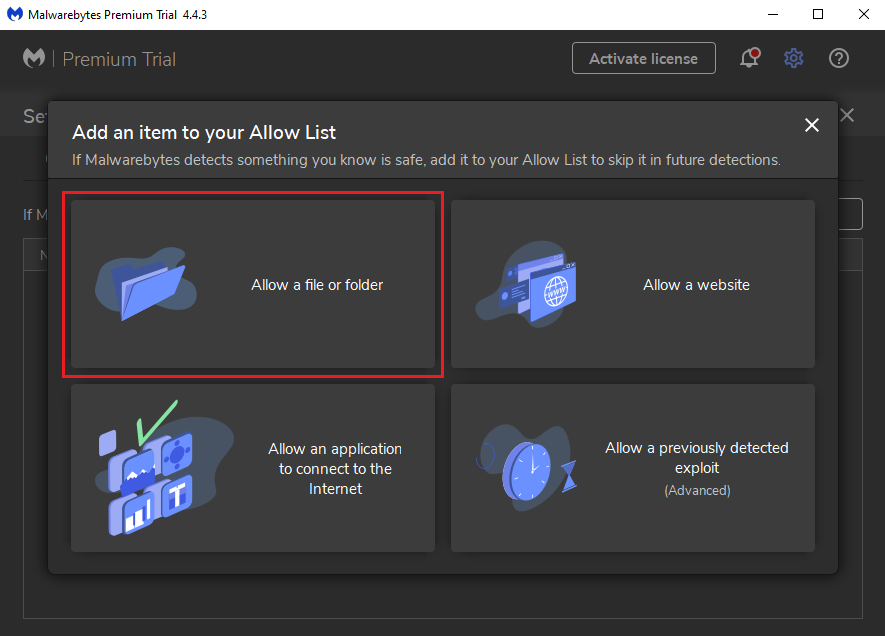
5. Choose Allow a file or folder
On the popup, select "Allow a file or folder".
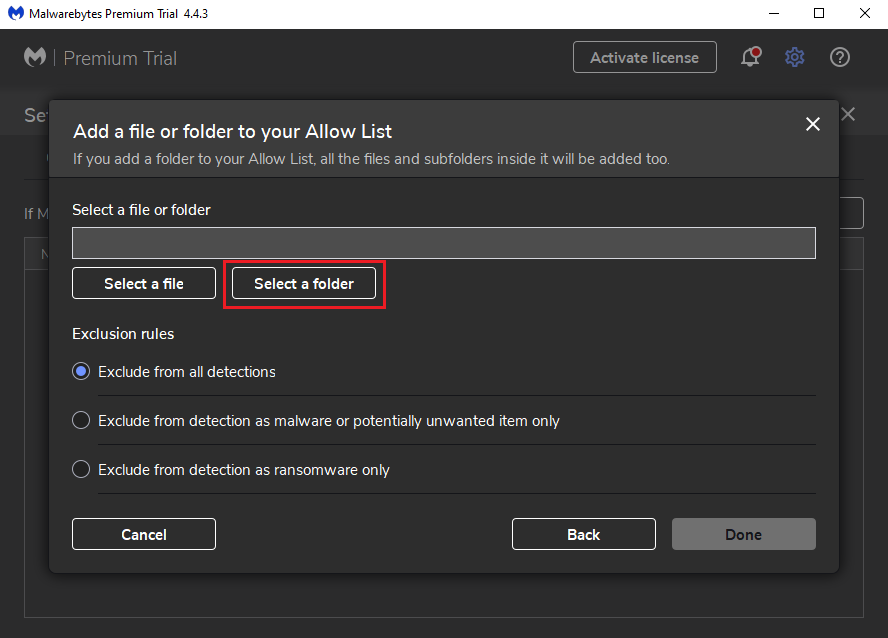
6. Click "Select Folder"
Click the "Select Folder" option, under the filepath bar.
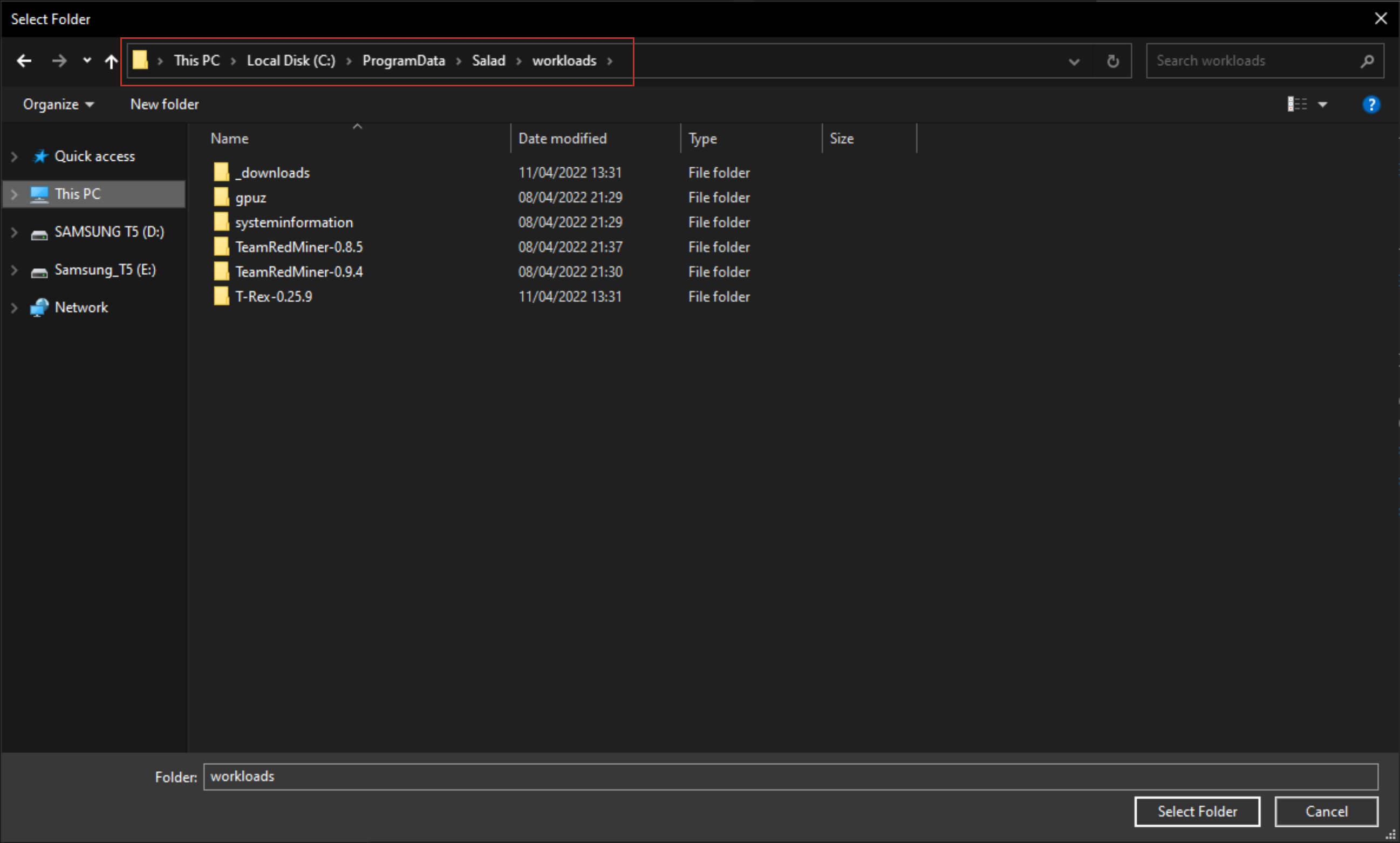
7. Enter the Salad Miner path
Salad v1.0.0 and Later: In the popup file explorer window, you will want to enter "C:\ProgramData\Salad\workloads" into the filepath menu bar at the top, and hit enter. This will take you to the required filepath for Salad.
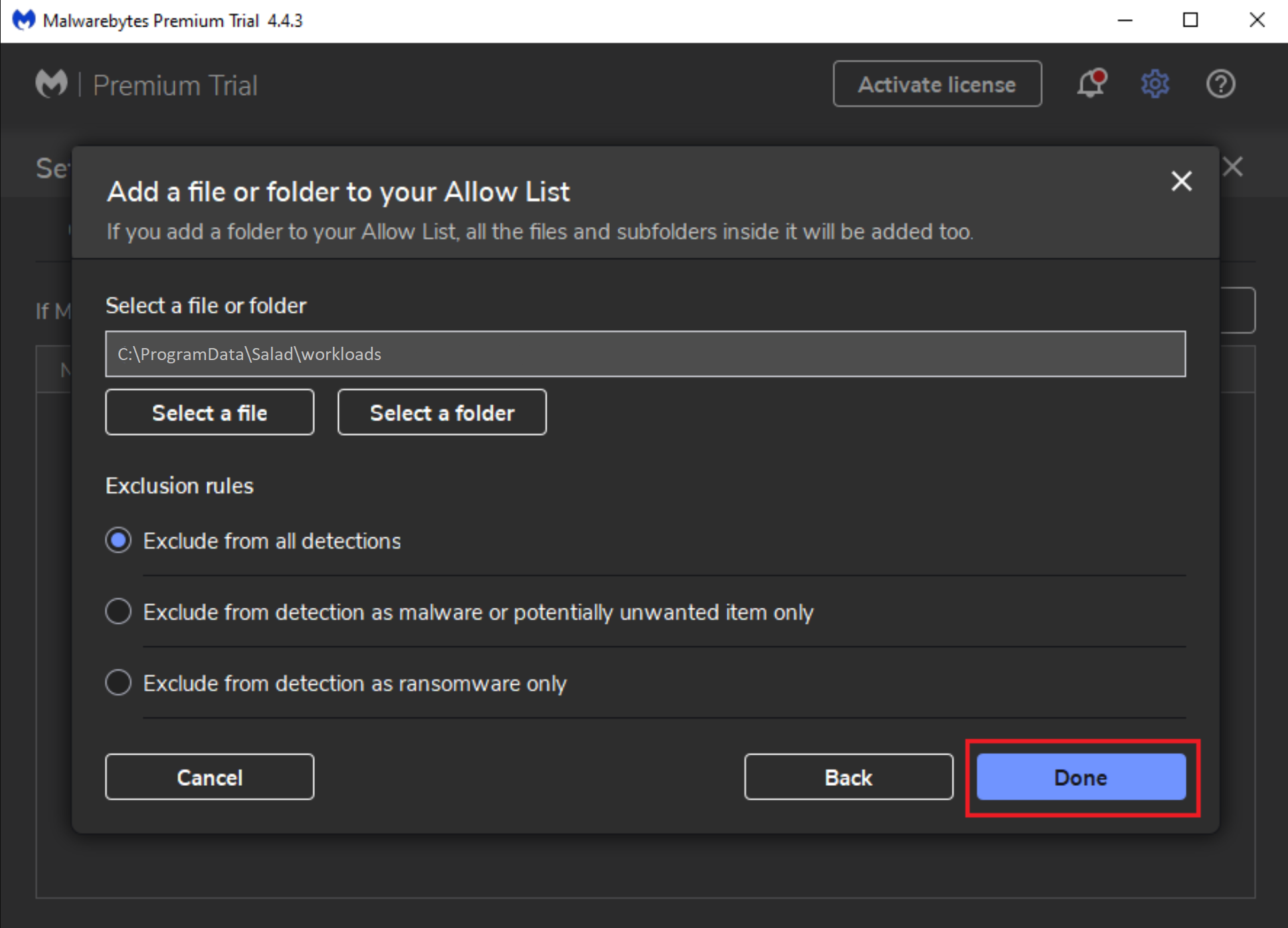
8. Click Select Folder
Once you've found your Salad installation folder, click Select Folder at the bottom of the file explorer window, as shown above, and then select "Done" on the Malwarebytes window. It will then bring you back to the main Malwarebytes Exclusions whitelist page with your newly added exclusion.
9. Run Salad
Open your Salad widget and click the play button. If this issue persists, contact Salad Support.
Last updated on