

How to Whitelist Salad in Avast Antivirus
-
Open Avast.
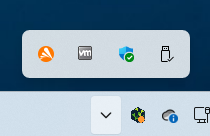
-
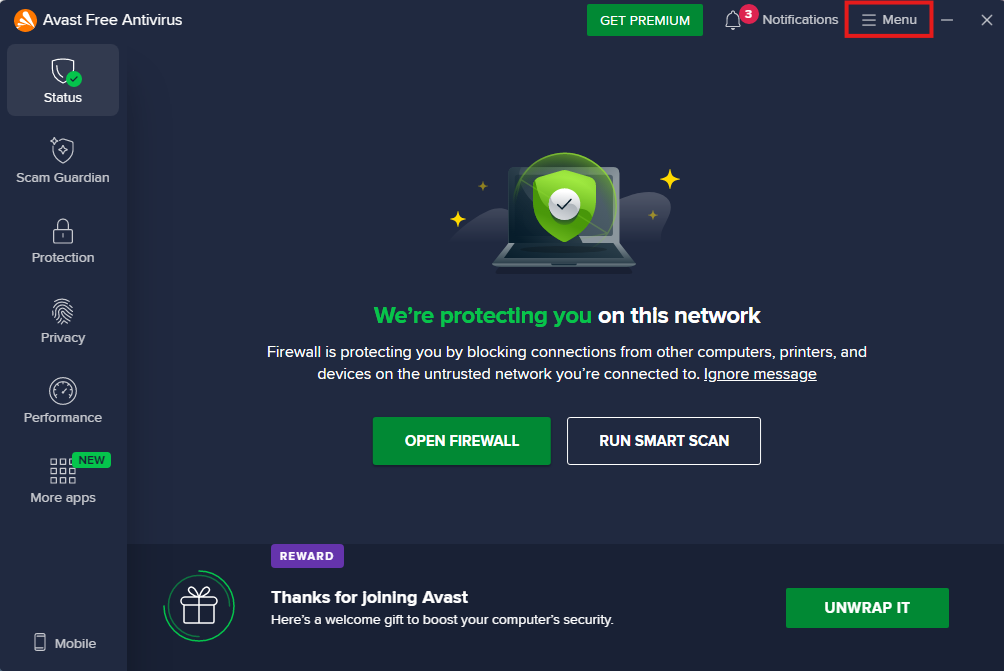
Click Menu at the top right.
-
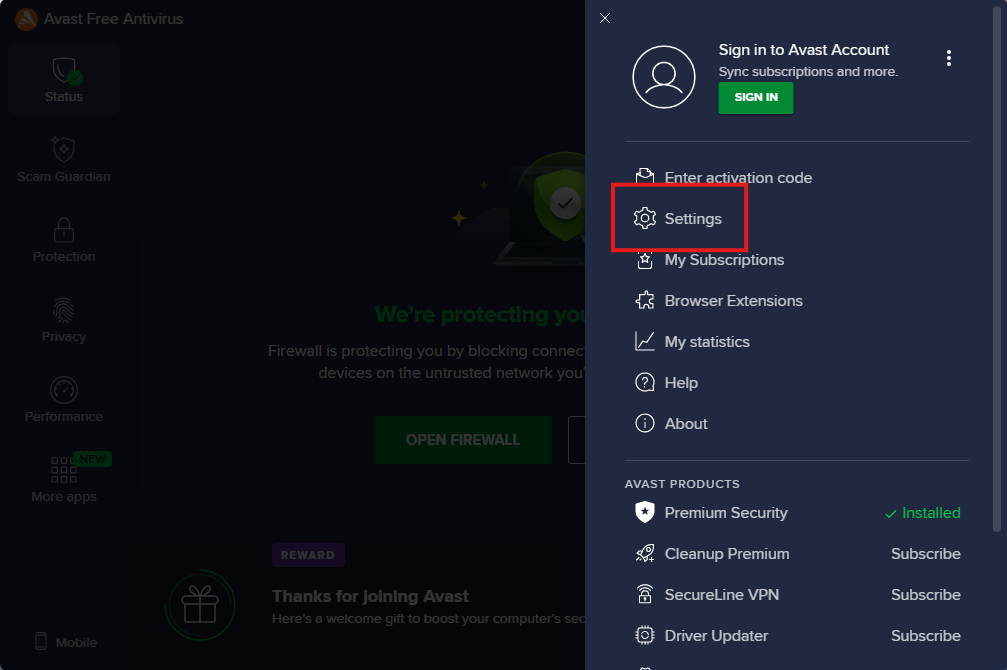
Then, click Settings.
-
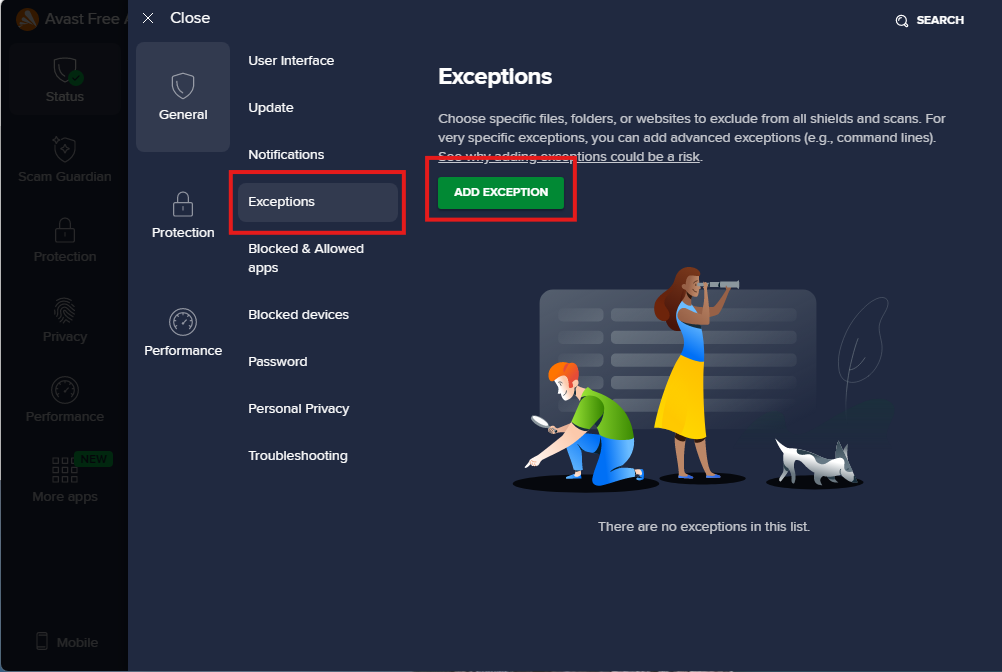
From here, click Exceptions, and then Add Exception.
-
On the window that pops up, select File/Folder from the top, then paste in
C:\ProgramData\Saladand hit Add. This will add an exclusion for the Salad folder.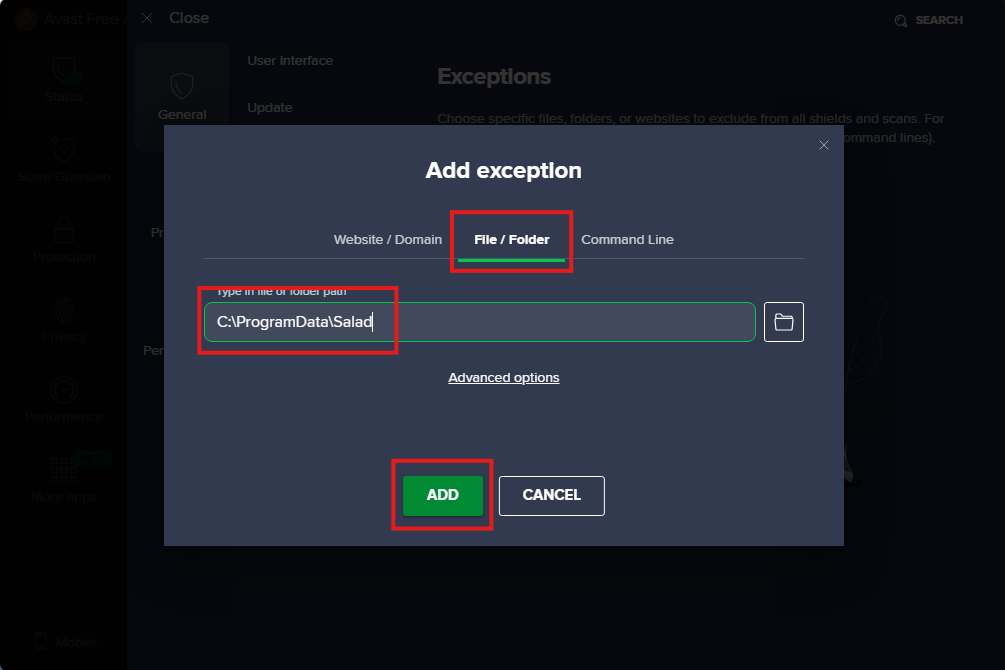
If you're still experiencing issues getting Salad to start, you may need to follow these instructions.
-
Turn off the Web Guard, and try starting Salad again and see if you are now able to get to the Chopping stage, and start earning.
- Web Guard can be disabled from the Scam Guardian page in Avast.
- You can either disable this feature indefinitely until you know Salad is Chopping, or you can disable it for only 10 minutes which should be enough for Salad to start. If it doesn't, try disabling it for a bit longer.
-
Once Salad is successfully Chopping, you can re-enable your Web Shield settings, and Salad should start as normal each time you start Salad. If there are miner updates, you may need to go through this process again to allow Salad to download the miners required.
-
Open your Salad widget, and click the start button.
Contact Salad Support if this issue persists.
Last updated on