

How to redeem a reward
Redeem any reward on the Salad Storefront with your Salad Balance, and find it afterwards in the Reward Vault or your email.
Rewards are redeemed on the Storefront with your Salad Balance. You need enough balance to cover the reward's price; once you click Buy Now the redemption is final, so check the reward's region and description first.
Find the reward
Open the Storefront and scroll or use the search bar to find the reward you want, then click it.
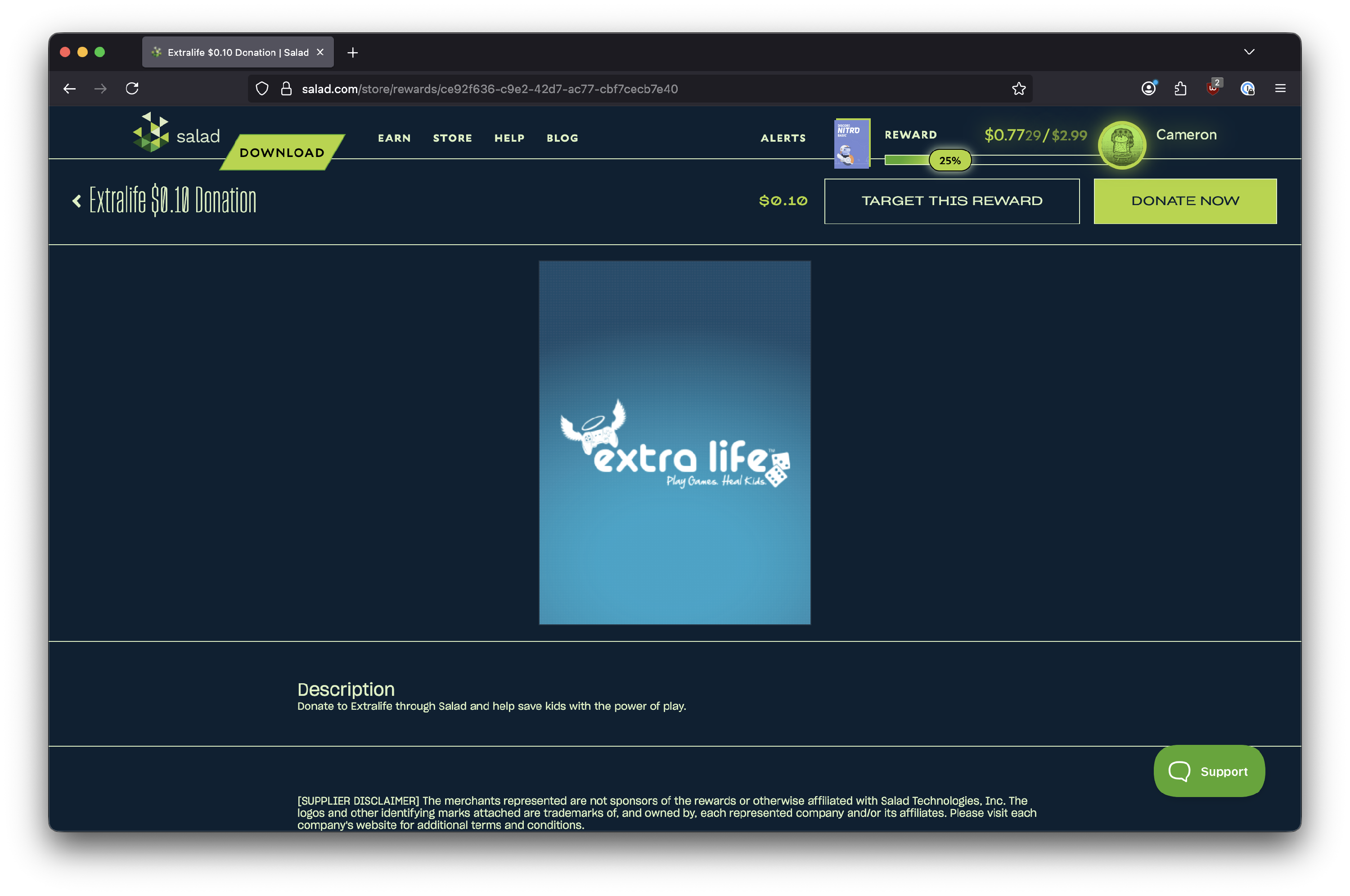
Check the reward page
The reward page shows the full name, description and price. Before you continue, make sure:
- the name and description match what you want (the right game, platform or card type), and
- the reward is for your region and currency.
When you are sure, click Buy Now at the top right.
Pay with Salad Balance
The checkout screen shows what you are about to redeem. Salad plays for keeps: there are no refunds or exchanges once a reward is redeemed, so confirm the details, then click Pay with Salad.
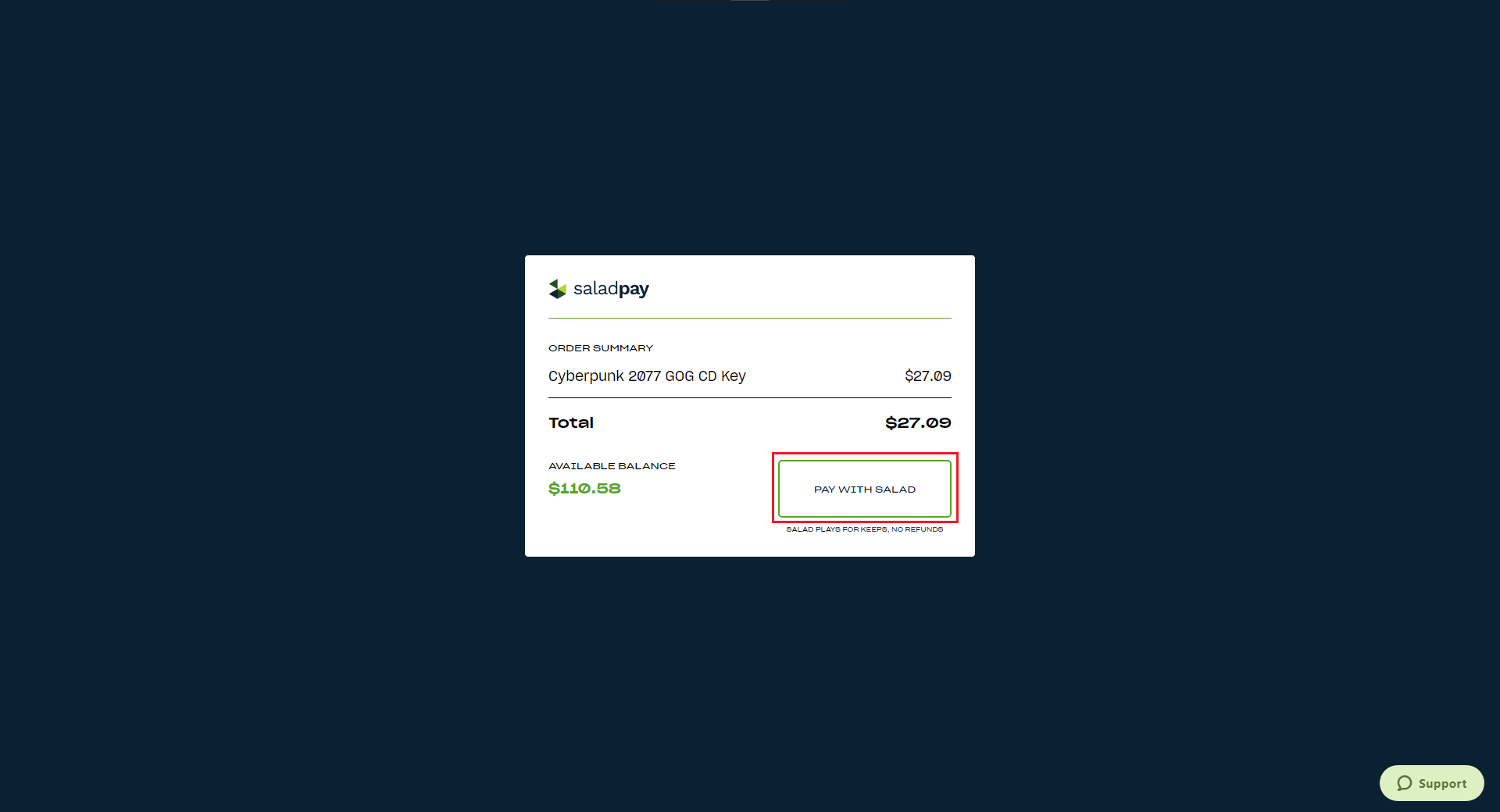
Collect your reward
A notification confirms the redemption. Codes for some games, subscriptions and gift cards appear in your Reward Vault and in a redemption email. Cash-like rewards (PayPal, Venmo, prepaid Visa and Mastercard, etc) are delivered by email with a claim link instead.
Targeted rewards
Setting a reward as your target adds a progress bar that tracks your balance against its price. Your Salad Balance is not locked to it, so you can change the target at any time without losing anything, and you can redeem a different reward whenever you have enough balance.
Need help?
If the reward has not arrived, see I redeemed a reward but haven't received it. For anything else, contact Salad Support.
Last updated on
Rewards Help
How to redeem rewards with your Salad Balance, what to do when a reward is late, invalid or out of stock, and which regions each reward supports.
Reward Vault and redemption codes
Where to find the codes and history of your redeemed rewards, and which rewards are delivered by email instead of the Vault.