

How Do I Redeem My Eneba Gift Cards?
Once you have purchased an Eneba gift card from the Salad Storefront, you'll receive an activation code to use on Eneba's global marketplace. How do I find my activation code?
If you have an existing Eneba account, head to https://www.eneba.com/redeem-gift-card and enter the activation code to add funds to your Eneba wallet.
Eneba Account Setup
If you have not created an existing Eneba account, you will need to create one in order to store your gift card funds. Please follow the steps below to create your account.
-
Visit https://eneba.com.
-
Click "Register" at the top right of the screen.
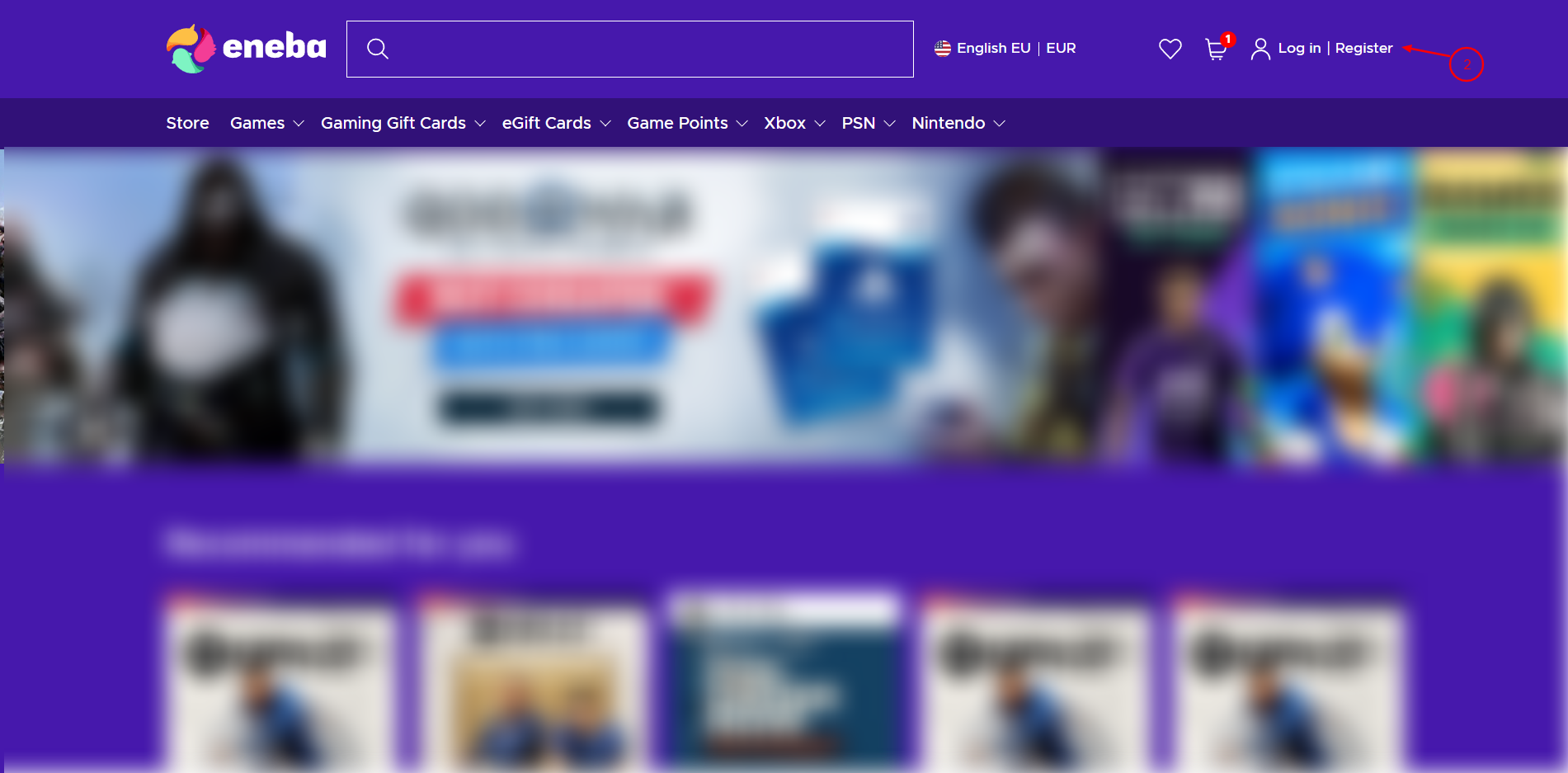
3. Enter your email and desired password.
4. Click "Create account." You will be redirected to an account confirmation screen.
5. In a separate tab, check your email inbox for a one-time activation code.
6. On the Eneba sign-up page, enter the activation code to verify your email address.
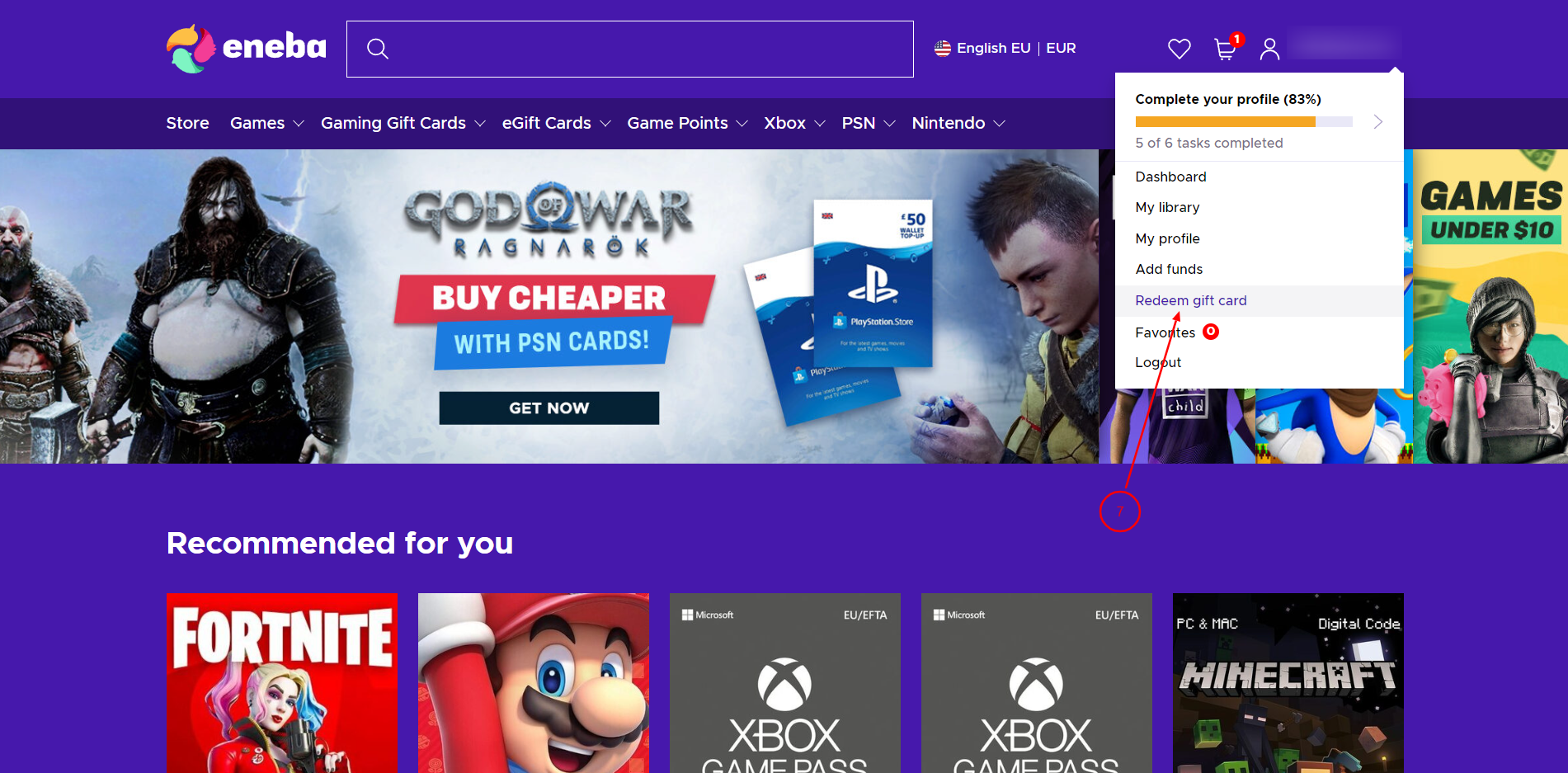
7. Once logged in, click your username (at top right) and select "Redeem gift card" from the dropdown menu.
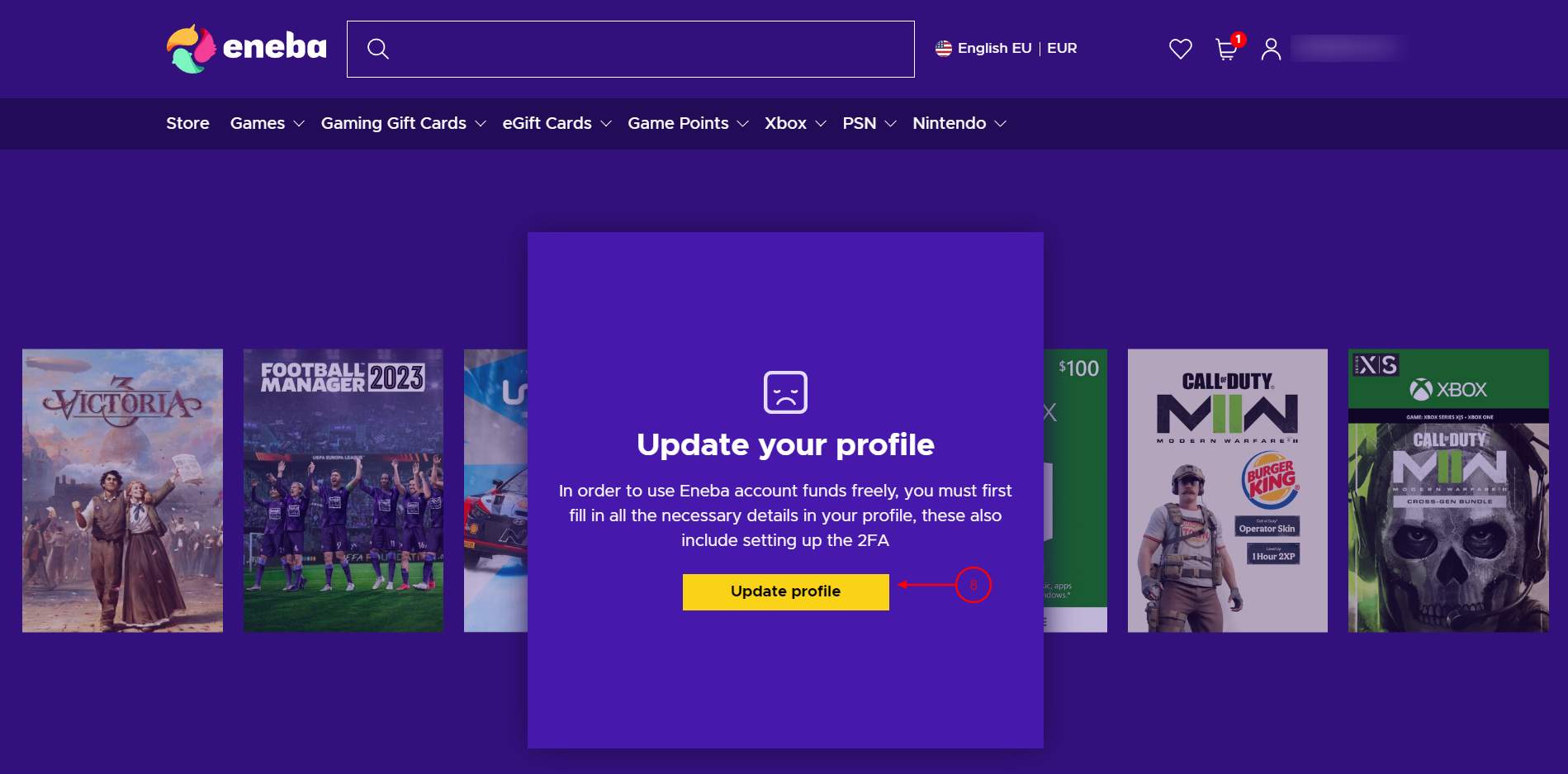
8. Before adding funds to your Eneba wallet, you may be required to complete your account profile. Click "Update profile" to confirm your contact details and select your preferred method of two-factor authentication.
9. Enter the gift card code associated with your Eneba reward. You may find this listed in the Reward Vault, or in the receipt sent to the email associated with your Salad account.
Last updated on