

GuidesGetting Started
How to Register and Log Into Salad
-
Open your Salad Widget.

-
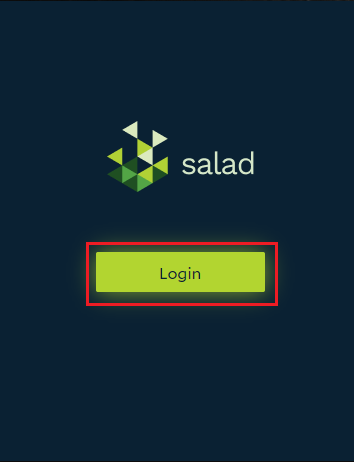
Click the Login button.
-
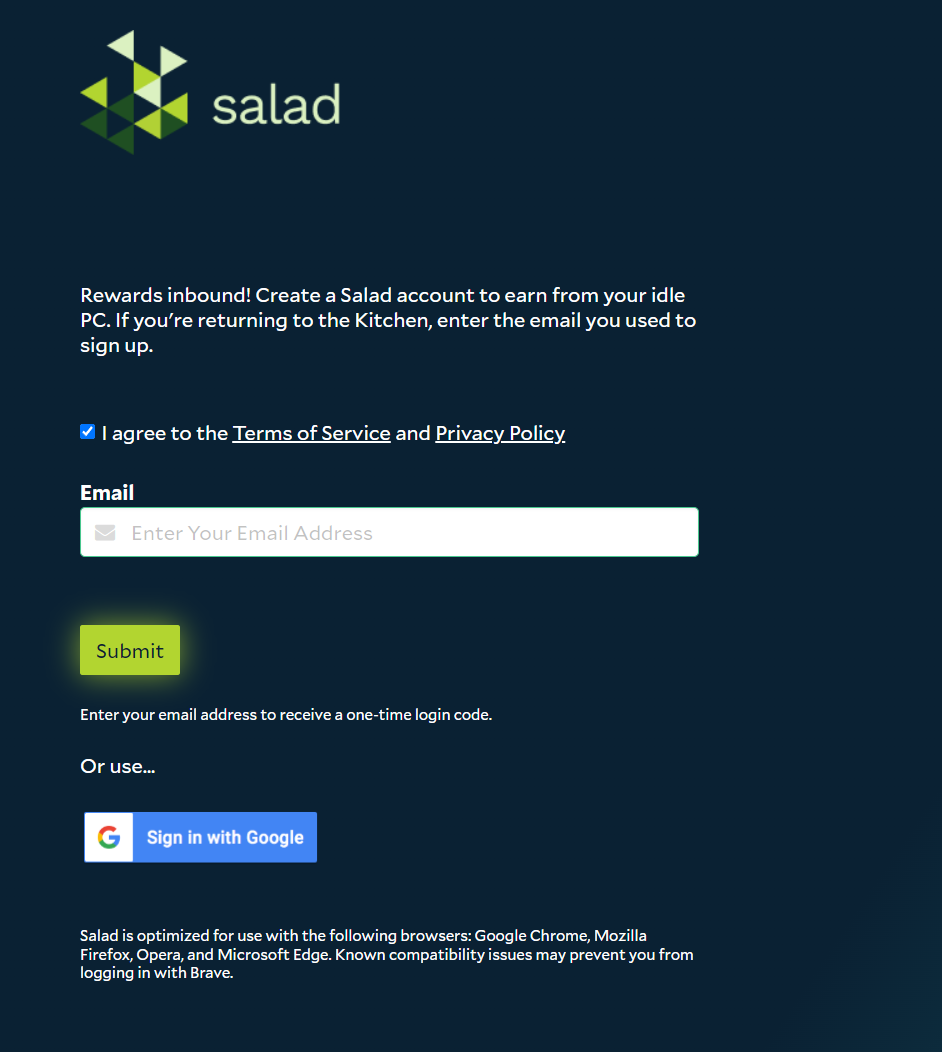
Enter your email address or Sign in with Google Auth, and accept the Terms of Service, in the opened web browser login page, and click "Submit".
-
Enter the one-time passcode you received in your email, and click "Submit".
-
Once completed, you'll be logged into the website, as well as your Salad Widget.
If you are having trouble logging in, try checking this troubleshooting guide out. I am having trouble connecting to the Salad app
Edit on GitHub
Last updated on