

Redeem a Cybrancee Domain Reward
How Do I Redeem Cybrancee Rewards?
Once you have purchased a Cybrancee voucher from the Salad Storefront, you'll receive an activation code that can be redeemed for a Cybrancee service plan. (How do I find my activation code?)
If you need help beyond what is supplied in this guide page, please refer to Cybrancee's official help center, here.
Please note: In order to manage your Cybrancee service plan, you will need to create a free account at cybrancee.com. Because new account creations are subject to a manual review period, your subscription will activate once the Cybrancee team has approved your request.
1. Navigate to the Cybrancee's custom redemption page for Salad Chefs.
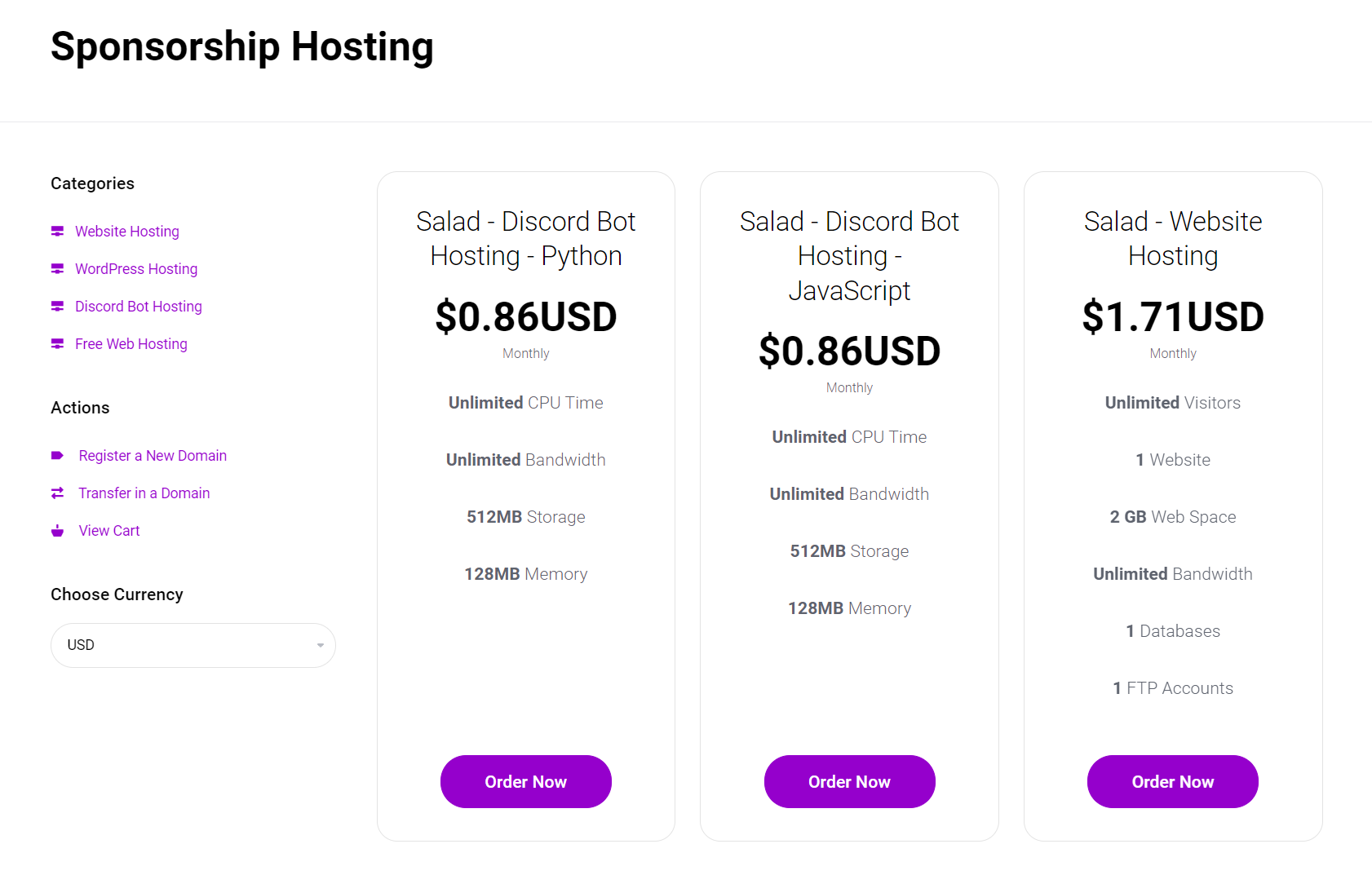
2. Visit https://cybrancee.com/domains.php OR https://cybrancee.com/client/cart.php?a=add&domain=register to search for your desired domain.
3. Enter the domain name you would like on this page and add it to the cart.
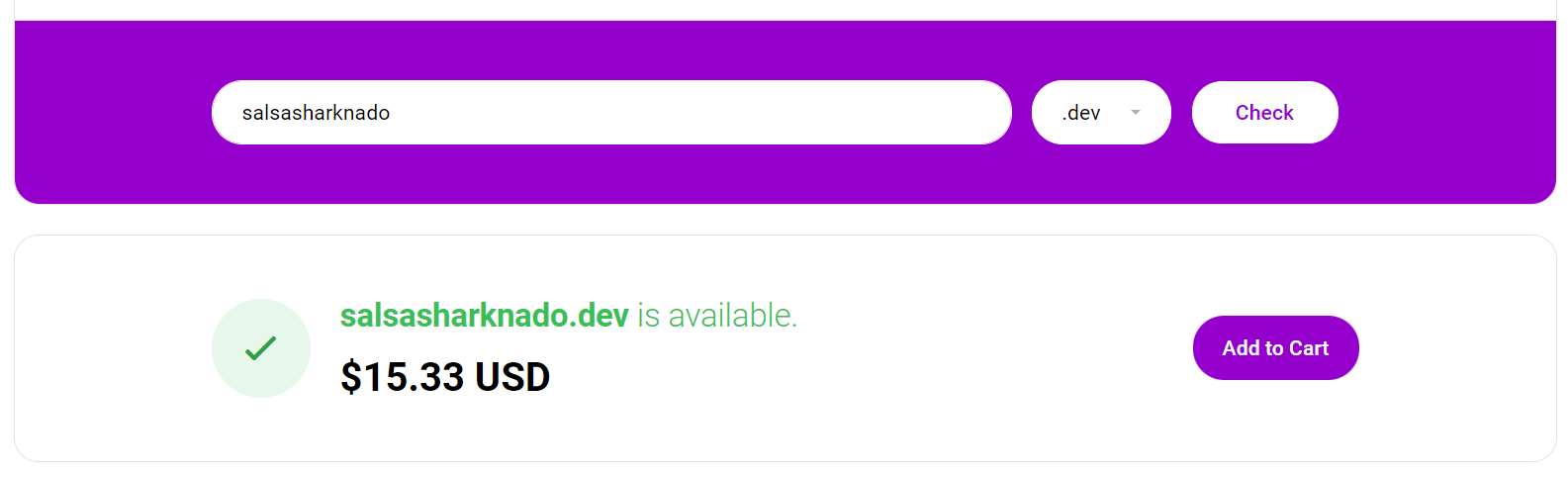
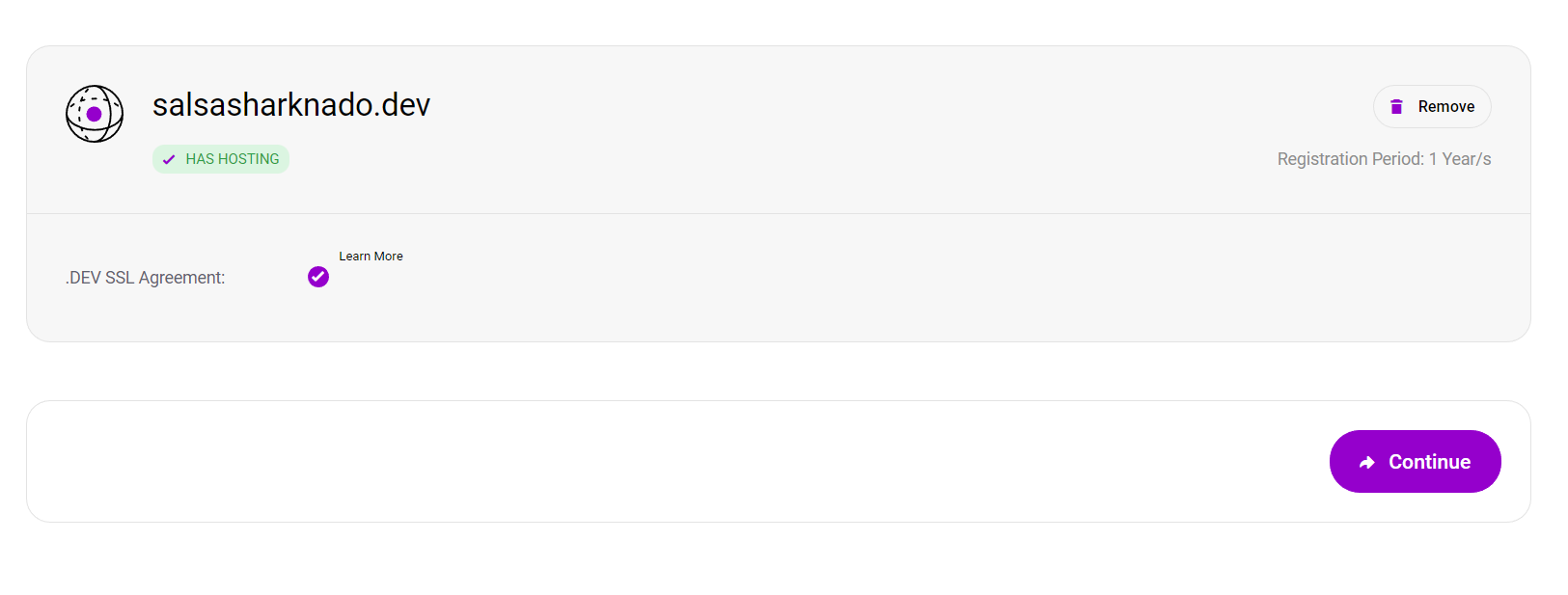
4. After your domain is added to the cart, a Continue button will appear on the screen. Click Continue to move forward.
5. You will be taken to a web page where you will be asked to approve of the domains SSL Agreement. Note, that the registration period for this reward is one year.
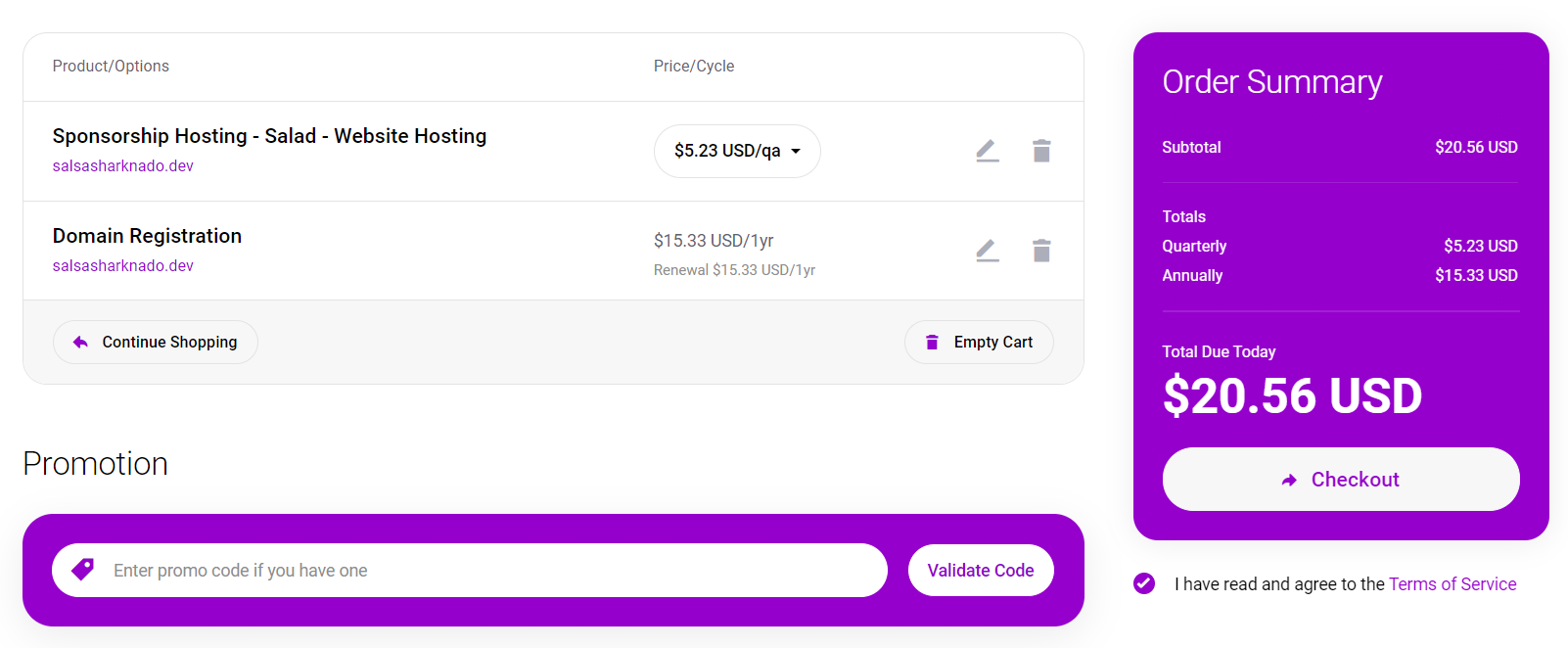
6. On the Check Out page, you will be prompted to add the Salad promocode you purchased from the Salad store and agree to the Terms of Service. You can elect to pay an additional fee for webhosting, or remove it use your Salad code for the domain only.
7. Down the page, you'll be ask to submit your payment information. If you would like to avoid doing this, select the PayPal option which will not require a payment method.
Last updated on